
Forum Icon
April 29, 2007 | 0 comments
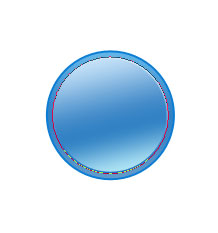
Learn to create nice looking forum icon with this tutorial.
Open a new file (File>New), having 450×450 px and 72 dpi.
Using the Ellipse Tool (U), try to draw next the primary layer of the icon to be.
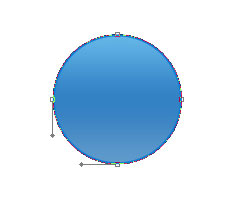
The layer’s parameters:
Blending Options>Gradient Overlay
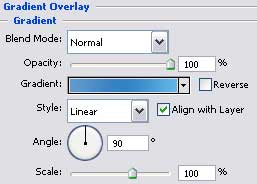
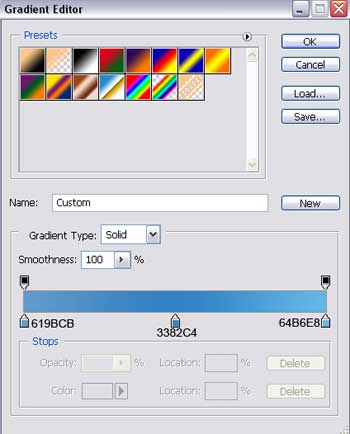
Gradient’s parameters:

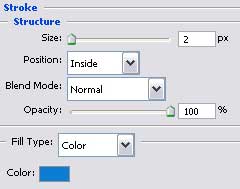
Blending Options>Stroke

Make a copy of the new made layer and select the Free Transform option to make the copy smaller a little, changing also the copy’s parameters:
Comments