
Create Windows Vista Wallpaper
May 8, 2007 | 0 comments
Learn how to design wallpaper from scratch.
Start by creating a new layer that would have 1024×768 px and 72 dpi. The Rectangle Tool (U) will be helpful in creating the background of the picture to be next.
The layer’s parameters:
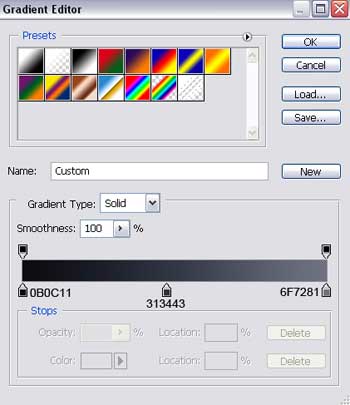
Blending Options>Gradient Overlay
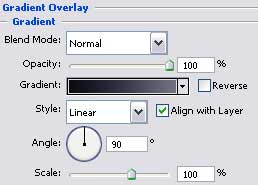
Gradient’s parameters:


Take the Ellipse Tool (U) now and begin representing the first layer for the logotype to draw next.
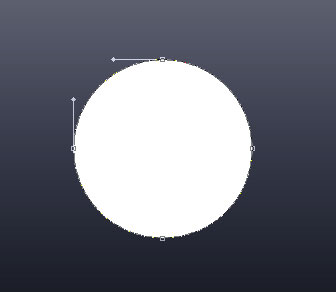
The layer’s parameters:
Blending Options>Inner Shadow 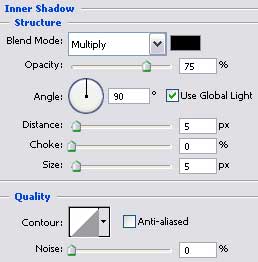
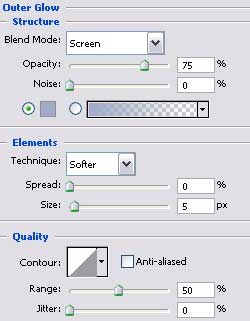
Blending Options>Outer Glow
Comments