
Create web site menu with icons
This tutorial will show you how to create a clean menu, with icons.
Final Image Preview
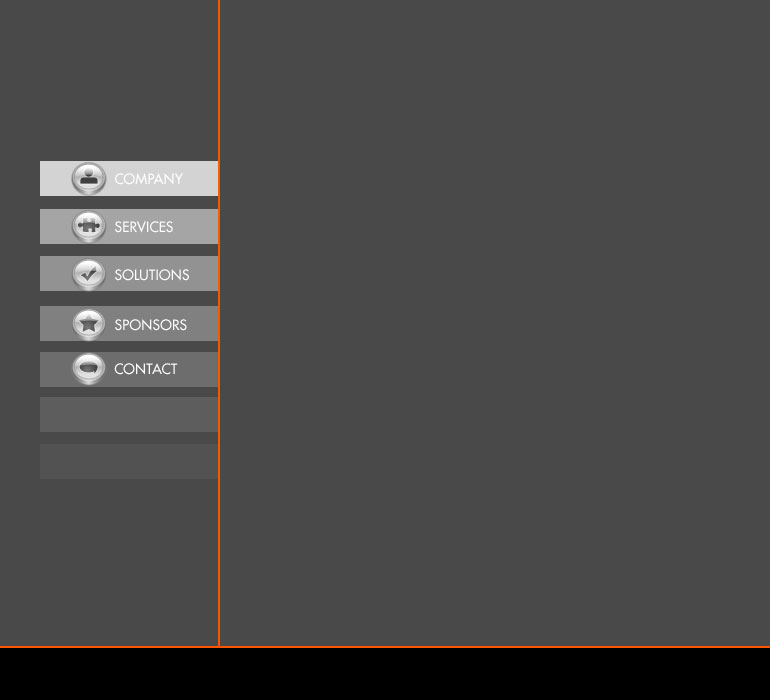
Open a new file (File>New) that would have 770×700 px and 72 dpi. Select after that the Paint Bucket Tool (G) to paint the file with this color #494949.

Draw now a thin black stripe on the lowest part of the background. The operation can be made with the Rectangle Tool (U).
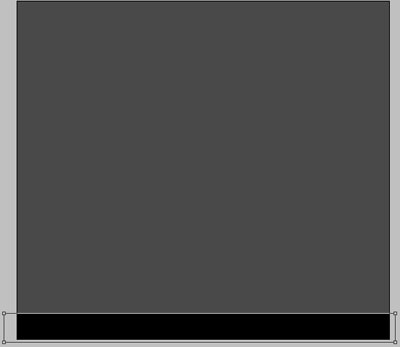


Represent now the first layer of the button, situated on the site’s menu, using the same instrument, but a different color – #D3D3D3

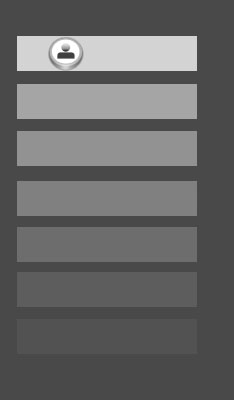
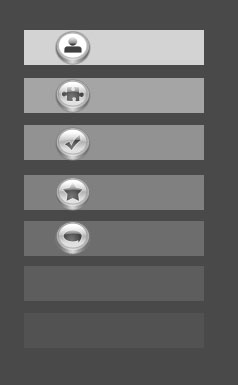
Copy out six times the last layer and select the Free Transform option to place the copies the way you may see on the next picture.
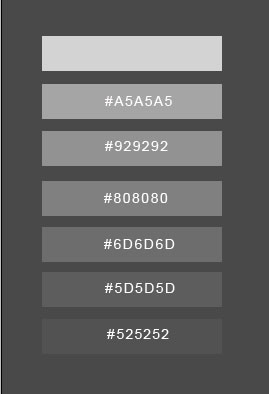
In the upper picture there are inserted the colors’ codes.

Create a new layer and choose the Ellipse Tool (U) to represent the primary layer for the button’s icon. But make a kind of indention on the left side.
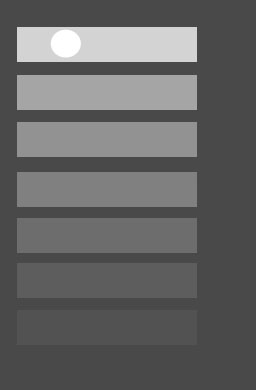
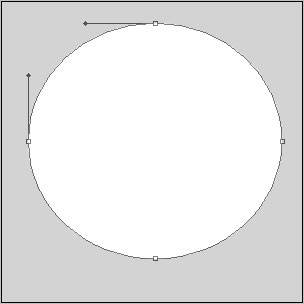
The layer’s parameters:
Blending Options>Gradient Overlay
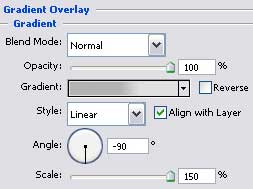
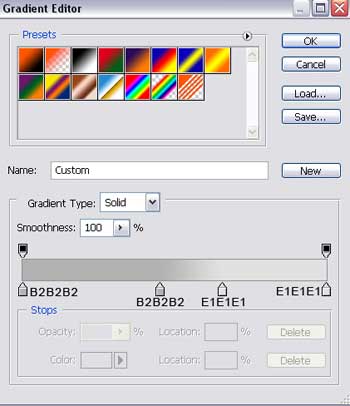
Gradient’s parameters:

Using the previous instrument, try to represent a circle. Firstly we need to pick up the Ellipse Tool (U) to draw the outside edges and then press the Alt button to cut out an opening in the circle.
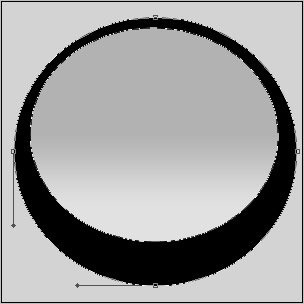
The layer’s parameters:
Blending Options>Gradient Overlay
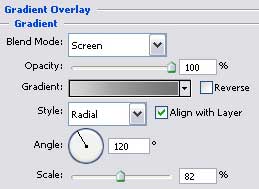
Gradient’s parameters:
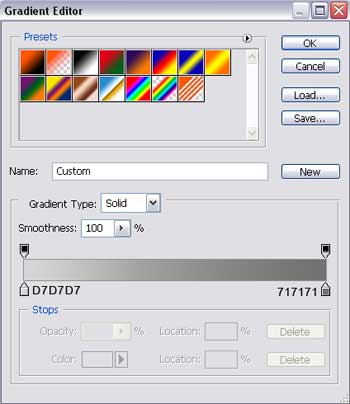 Blending Options>Stroke
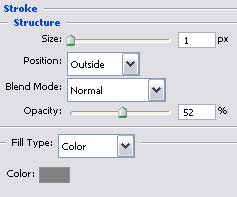

The next layer should be made with the last instrument too, colored in #757575
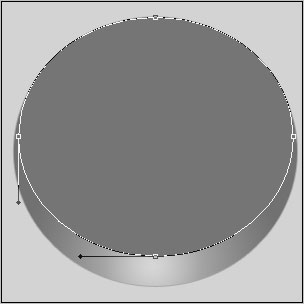
Press on the Alt button and make then a mouse’s click between the circle’s layers and the new last made one for the layer to be applied in the circle’s limits.
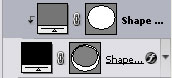
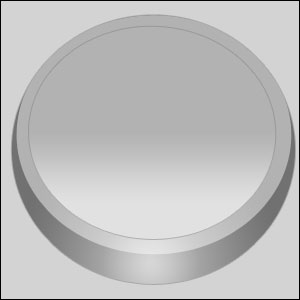
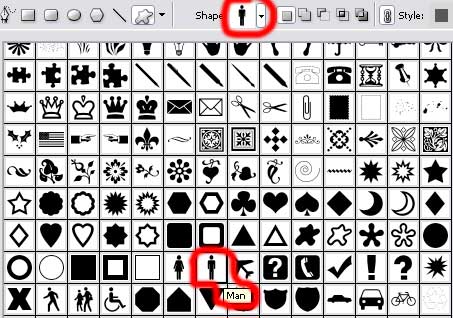
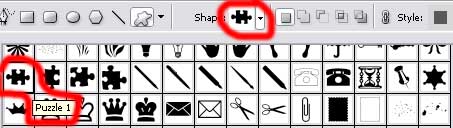
Select now the usual Custom Shape Tool (U) to choose from the next table the appropriate Shape, the way it is indicated below.
Press the Alt button and select in the same time the Rectangle Tool (U) to erase the elements we don’t need.
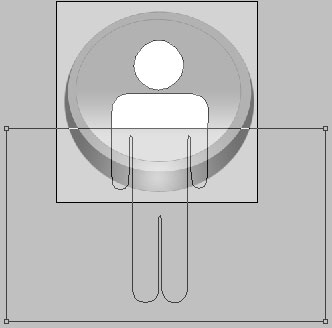 The layer’s parameters:
Blending Options>Gradient Overlay
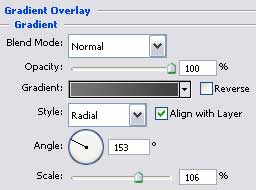
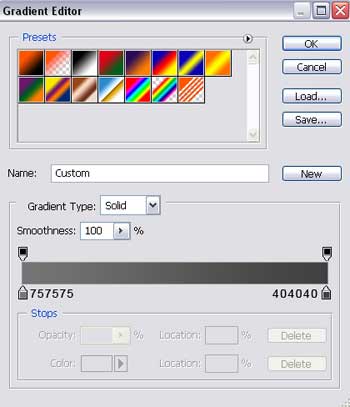
Gradient’s parameters:
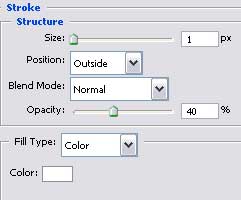
Blending Options>Stroke

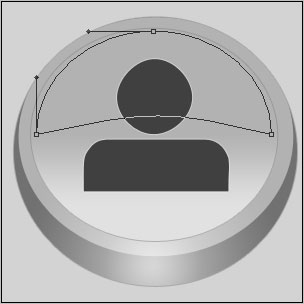
Now we have to represent a flare on the icon’s surface, choosing the Ellipse Tool (U) and cut out the lowest top with the Delete Anchor Point Tool. Next we need to make the corrections on the shapes, applying the Convert Point Tool.
The layer’s parameters:
Fill 0% on the layers.
Blending Options>Gradient Overlay
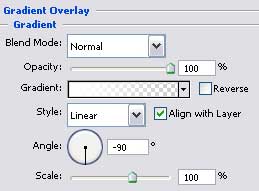
Gradient’s parameters:
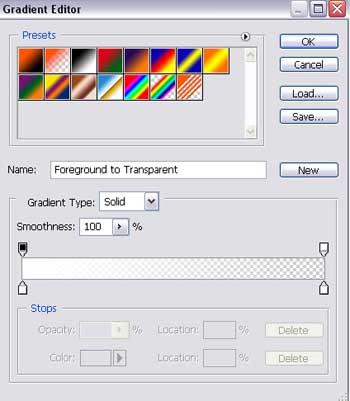

Next step includes combine in a group all the layers composing the icon (press Ctrl button and mark out the necessary layers. Holding on the left mouse’s button, move the layers down on Create a new group option).
Make four copies of this group (press the left mouse’s button and move the group down on Create a new layer option). Using the Free Transform selection, it’s possible to place the copies exactly the way it is demonstrated below. On each copy must be changed the sign from Custom Shape Tool (U) with those indicated below, applying the same layer’s parameters:
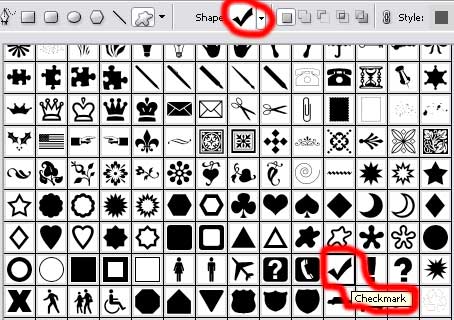
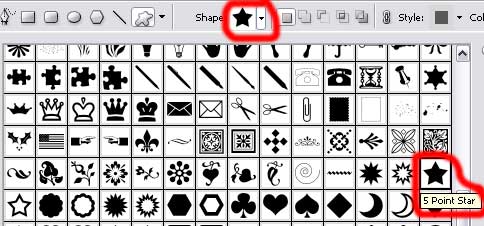
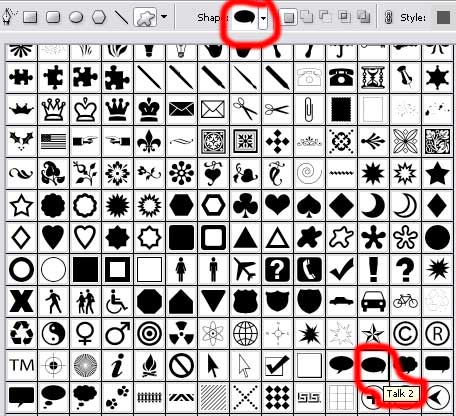
Select now the Rectangle Tool (U) and draw two lines colored in #F65606. The lines must be of vertical and horizontal shapes.
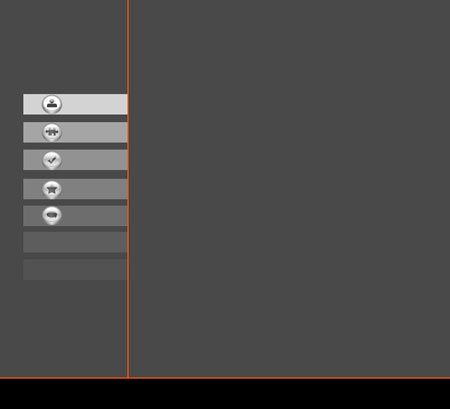
Next we need to write the titles for the buttons situated on the site’s menu, keeping the details inserted below:
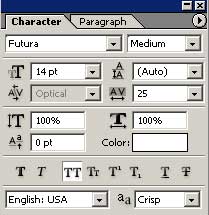
(company, services, solutions, sponsors, contact)

Finished!
View full size here.
Comments