
Premium casino poker chip
This tutorial will teach you how to take a simple circle and make it the face of the chip.
Final Image Preview

Open a new file (File>New) that would have 450×450 px and 72 dpi.
Using the Ellipse Tool (U), create the primary layer reserved for the play counter.
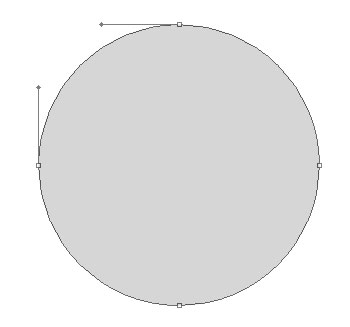
The layer’s parameters:
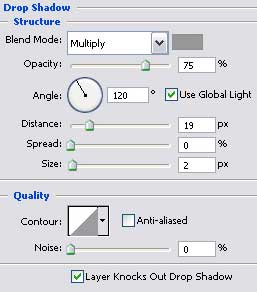
Blending Options>Drop Shadow

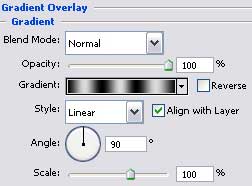
Blending Options>Gradient Overlay
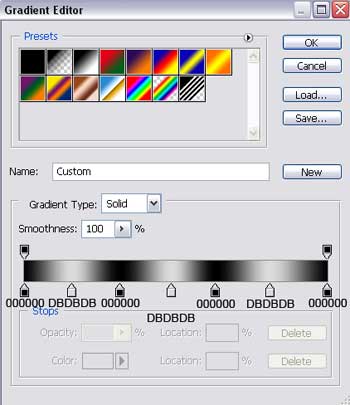
Gradient’s parameters:
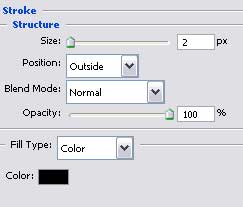
Blending Options>Stroke
 Using the same instrument, try to represent the next layer for the play counter.
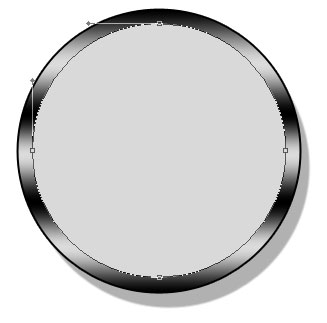
The layer’s parameters:
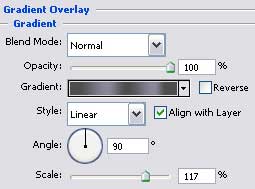
Blending Options>Gradient Overlay
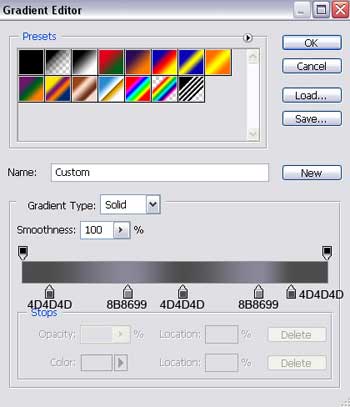
Gradient’s parameters:

Apply the previous instrument to represent one more layer reserved for the counter, colored in #AEA687.
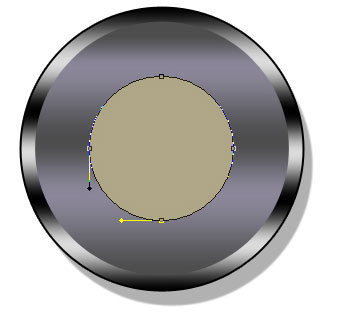
The layer’s parameters:
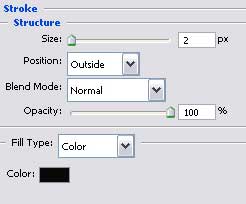
Blending Options>Stroke
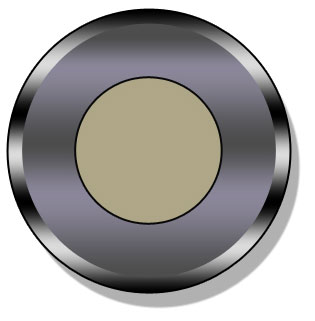 Using the Ellipse Tool (U), draw next the counter’s middle part.
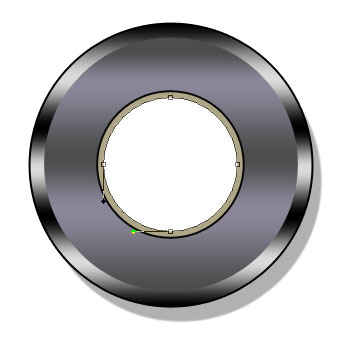
The layer’s parameters:
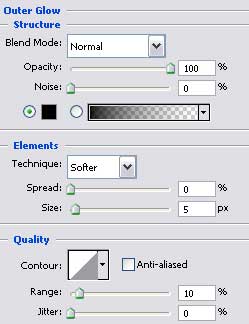
Blending Options>Outer Glow
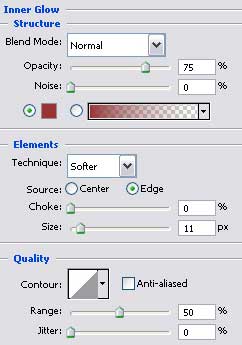
Blending Options>Inner Glow
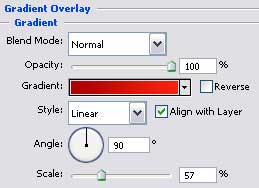
Blending Options>Gradient Overlay
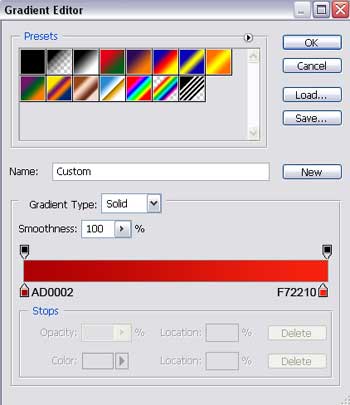
Gradient’s parameters:
Blending Options>Stroke
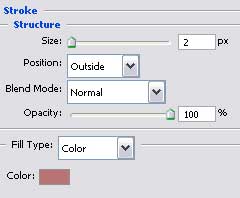
 Introduce a letter that would be placed on the play counter, keeping the demands from the next table.
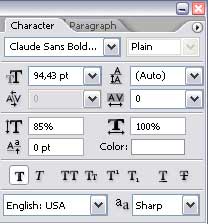

The layer’s parameters:
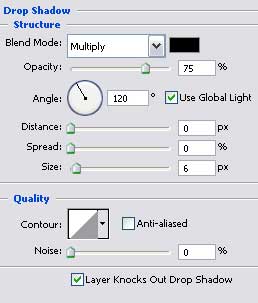
Blending Options>Drop Shadow
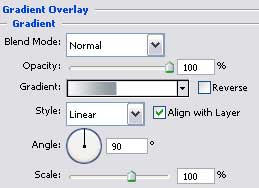
Blending Options>Gradient Overlay
Page: 1 2
Comments