
Apple Wallpaper
Learn how to design an apple desktop theme in this tutorial.
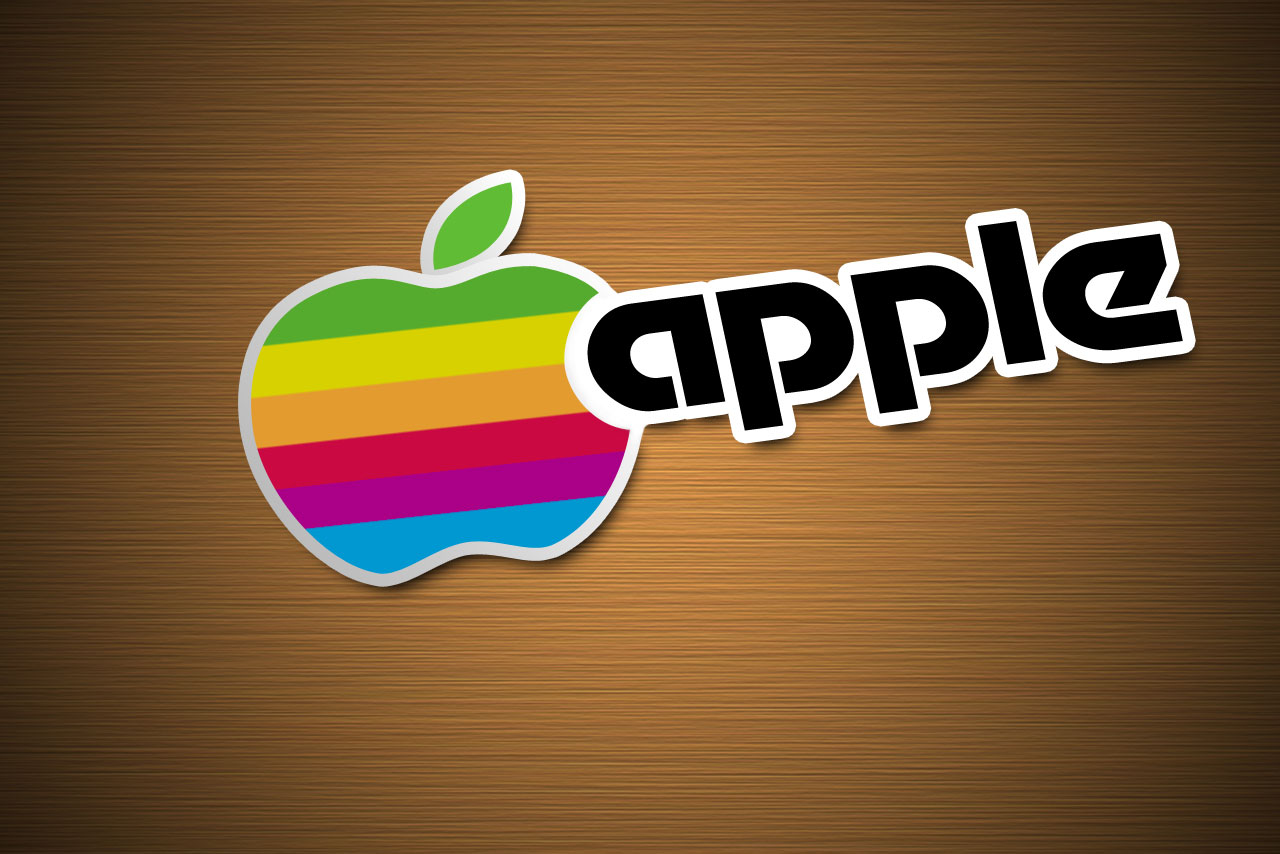
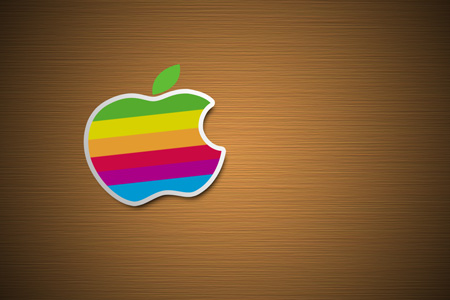
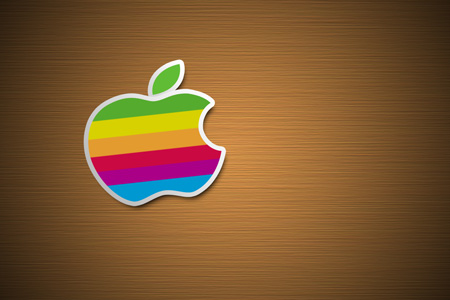
Final Image Preview
Begin by representing a new file having 1280×854 px and 72 dpi. Select then the Paint Bucket Tool (G) and paint the file out in here shown color: # C3823E

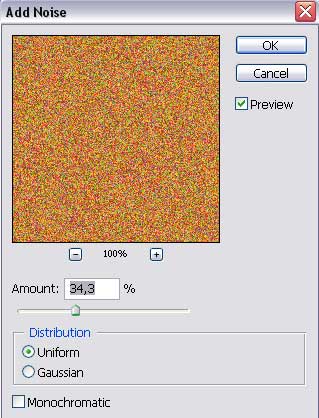
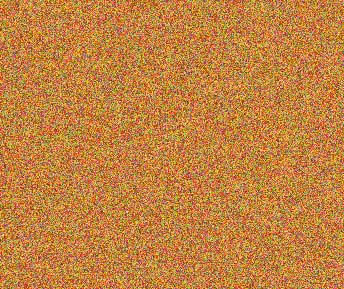
Select next option for this layer: Filter>Noise>Add Noise

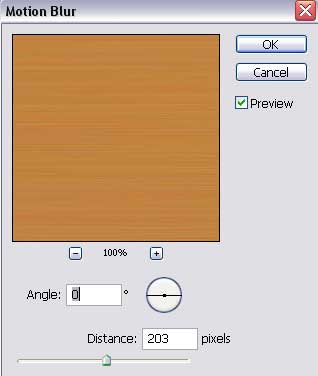
One more filter should be applied on this layer: Filter>Blur>Motion Blur
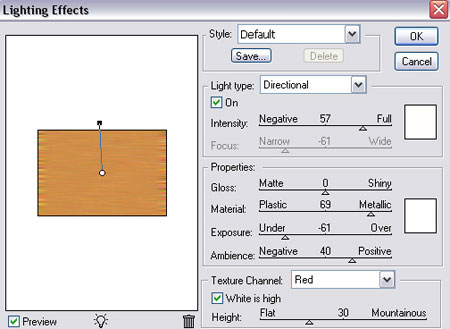
Next select another filter’s option: Filter>Render>Lighting Effect
 Using the Free Transform option, try to stretch out the layer to the right side and then to the left side, hiding the distorting.
For this layer we need to apply next demonstrated parameters:
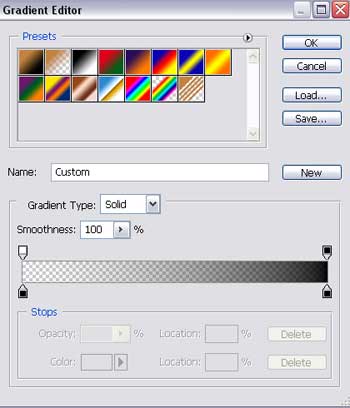
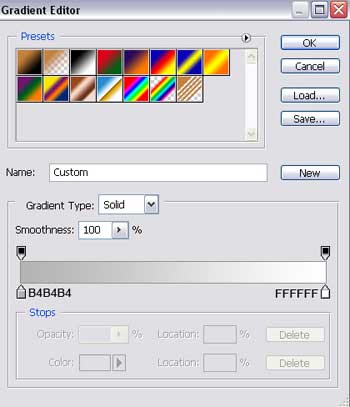
Blending Options>Gradient Overlay
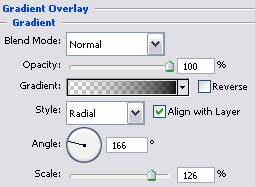
Gradient’s parameters:

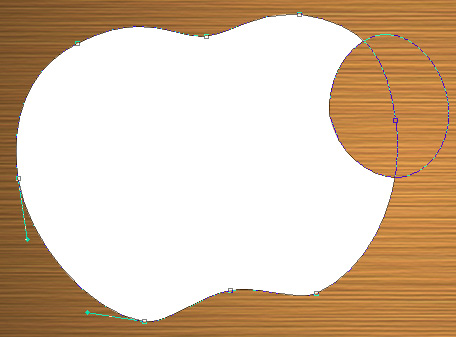
Using the Ellipse Tool (U), we shall represent an apple’s silhouette (the famous logotype of Apple Company). We’ll take also the Add Anchor Point Tool to insert several tops on the circle and then select the Convert Point Tool to move them to the central part of the circle.
Press on the Alt button, selecting simultaneously the Ellipse Tool (U) to cut out a part of the apple from its right side.
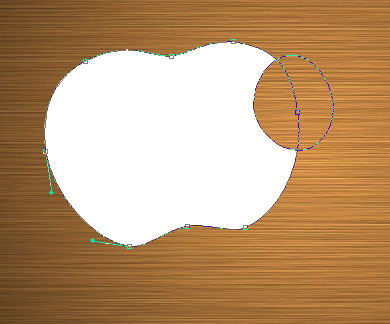
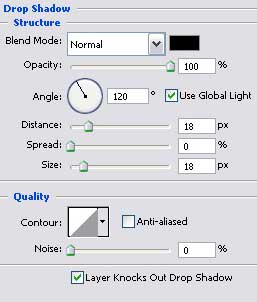
The layer’s parameters:
Blending Options>Drop Shadow
 Blending Options>Gradient Overlay
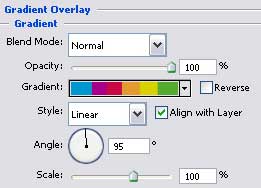
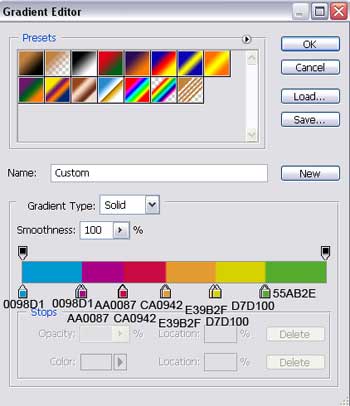
Gradient’s parameters:
Blending Options>Stroke
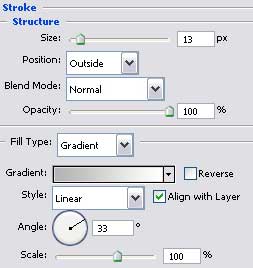
Gradient’s parameters:
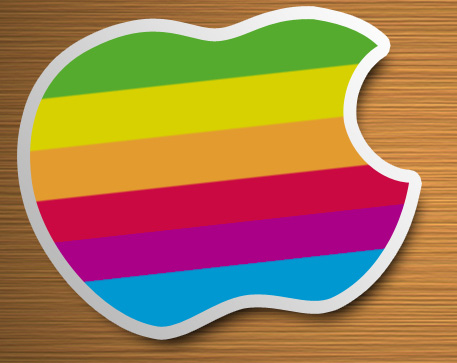
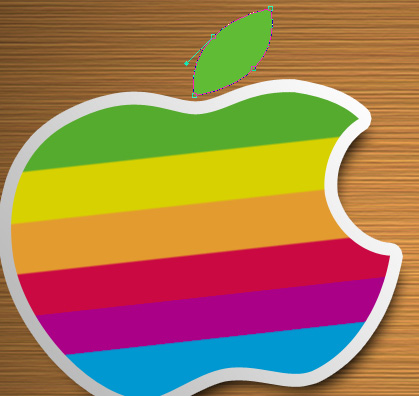
Using the previous instrument, it’s possible to continue by picturing a small leaf on the apple’s top, colored in # 60BC35. Place it lower than the apple’s layer.
 The layer’s parameters:
Blending Options>Drop Shadow
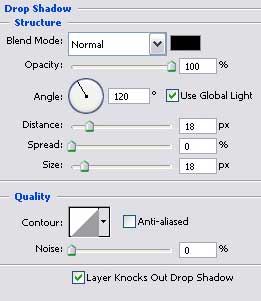
Blending Options>Stroke
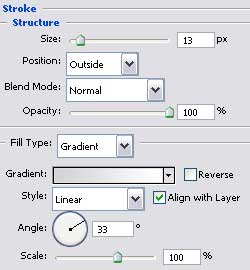
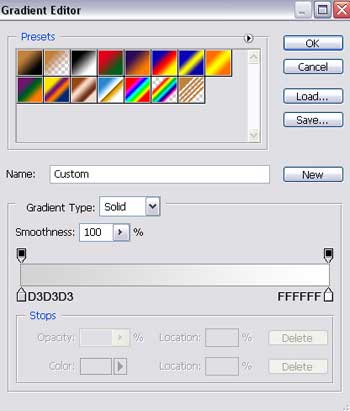
Gradient’s parameters:
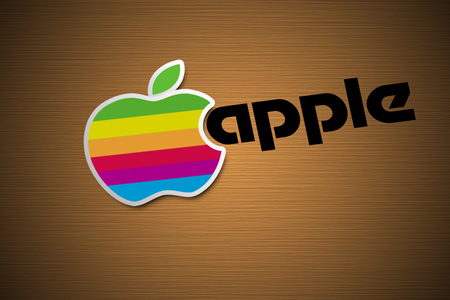
Write now the logotype’s name, keeping the next demonstrated demands for the inscription. Using the Free Transform option, we shall incline the text a little.
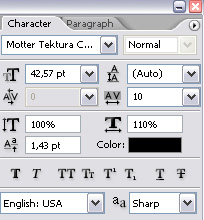
The layer’s parameters:
Blending Options>Drop Shadow
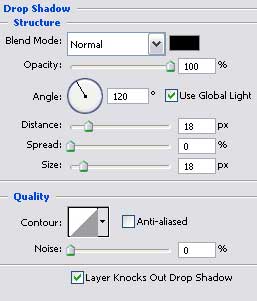 Blending Options>Stroke
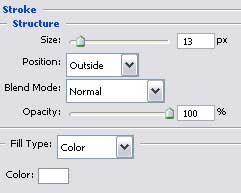
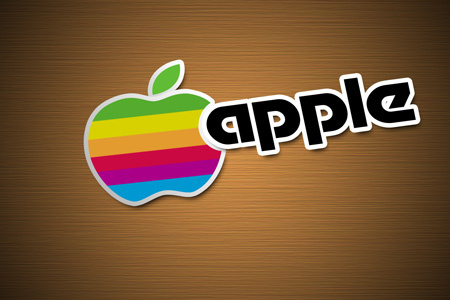
Create a new layer. Select the after that the Brush Tool (B) of white color to paint the letters’ orifices. We should make the corrections on the A letter’s joint with the apple figure.
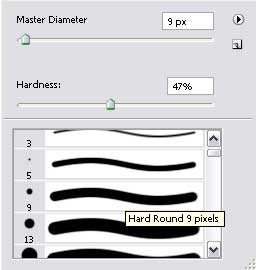
You may see the picture before applying the brush:

And now you may compare it with the next one, after applying the brush:

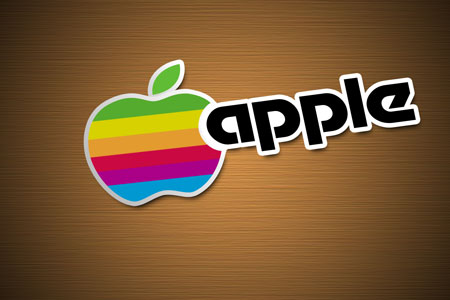
Finished!
View full size here.
Comments