
Summer Night Wallpaper
July 25, 2007 | 0 comments
I’ll tell you how to represent nice wallpapers for the desktop.
Create a new file (File>New), that would have 1024×768 px and 72 dpi. We need to represent two rectangles with the usual Rectangle Tool (U)

We should apply the presented Blending Options>Gradient Overlay for the black upper layer.
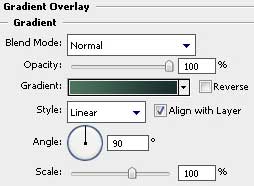
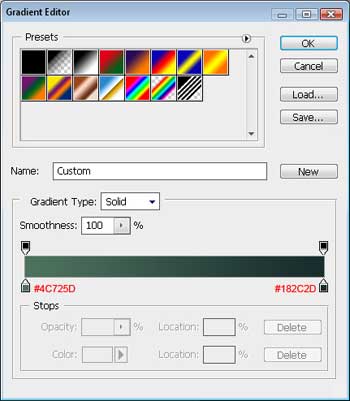

Next we shall apply the below demonstrated Blending Options>Gradient Overlay for the lowest rectangle.
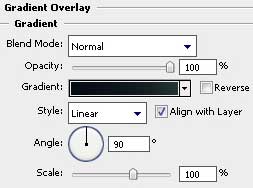
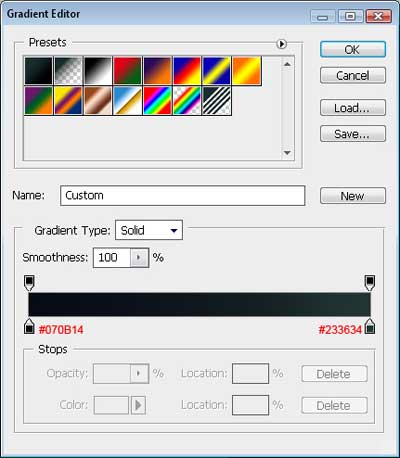
It’s the result that we have got at this moment:

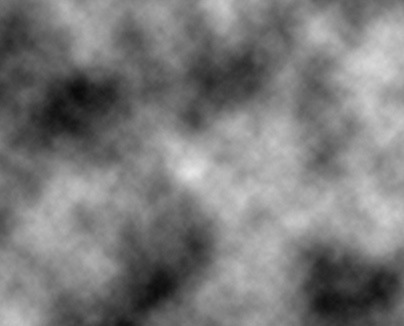
Now we have to draw the clouds. It’s necessary to choose a filter on a new layer for this operation that may be found in this option – Filter>Render>Clouds.
Enter next this option Filter>Blur>Box blur 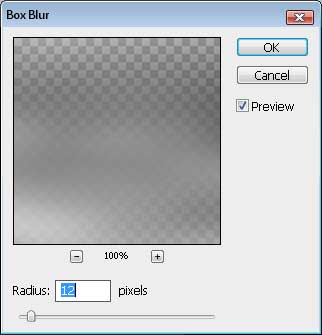
Comments