
Meaningful Beauty
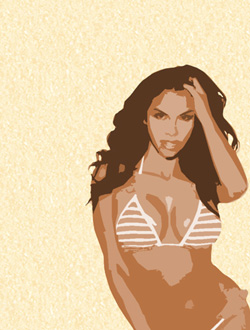
You must get the same result as in the next image:
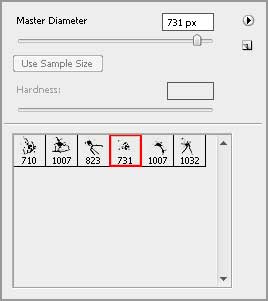
Create a new layer and place it under the girl’s layer. Select after that the Brush Tool (B). Load and install out of Internet a set of ready to use brushes having the name – Blood_Splatter_Brushes_By_VexingArt.
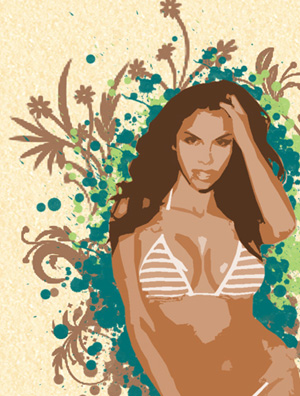
Next step includes creating a spray composition as the next picture shows it. We’ll apply in this case three types of colors…#AB8263, #AED475, # 047475


Create another new layer and place it lower than the spray layer. Now we’ll select the Brush Tool (B) and represent several flowers on the layer. The brush in this case should be downloaded out of Internet – Tiny_Flower_Elements_by_ca_pris. The color’s code is #A27659.
Make a copy of the last made layer and choose the Blending Options>Color Overlay 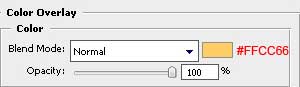
Move a little the layer with the Move Tool (V), as in the example below:
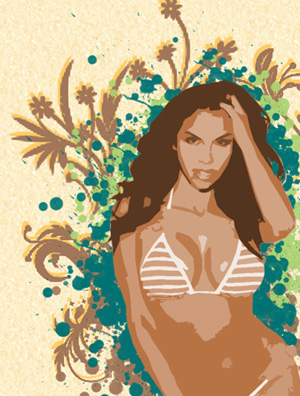
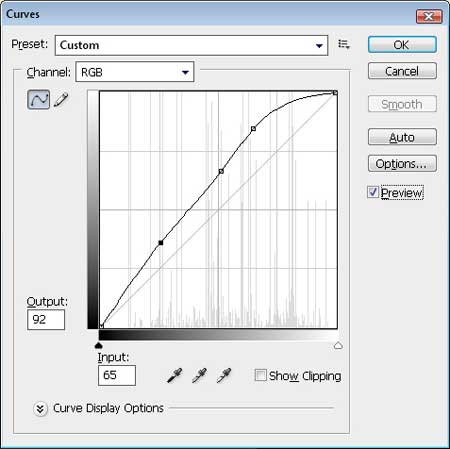
Get back to the girl’s layer and press the next combination of buttons on the layer: Ctrl+M (Curves Dialog Box). Place the curve the same way it is demonstrated below:
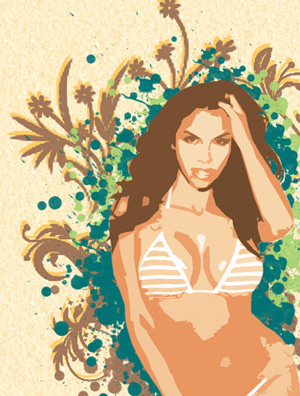
You must get the same picture as this one from below:
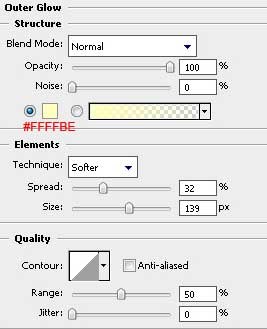
Select again the Blending Options>Outer Glow.
Comments