
MP3 Player Illustration
Design an MP3 player with this tutorial.
Final Image Preview

Begin by representing a new file (File>New) with 1024×768 px and 72 dpi.

Using the Rectangle Tool (U), try to make the background of the picture to be next.
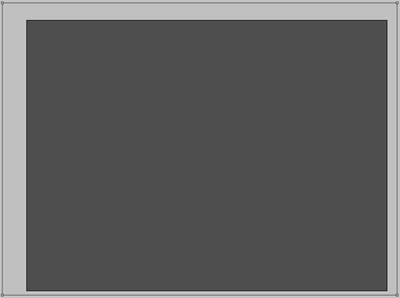

Set the layers parameters by making a mouse’s click on the layer on the layers palette Blending Options>Gradient Overlay
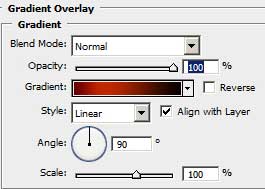
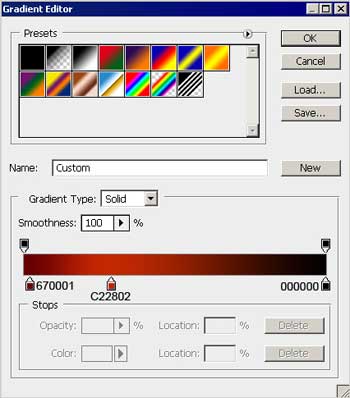
Gradient’s parameters:

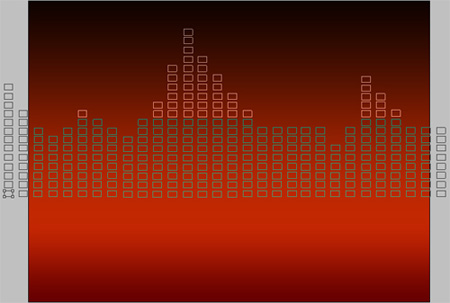
Select after that the Rectangle Tool (U) and represent several elements for the background, copying them by pressing Alt button and shifting the mouse. Their placement may be corrected, using the buttons on the keyboard. Try to make all the elements look like in the picture below. The layer’s parameters: Opacity 82%, Fill 0%
The layer’s parameters: Blending Options>Gradient Overlay
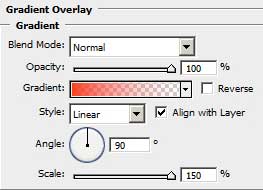
Gradient’s parameters:
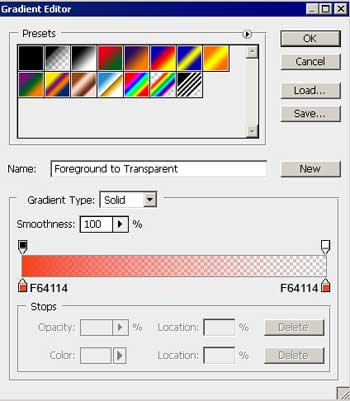

Make a copy of the last made layer and apply the Free Transform option to turn over the copy. Blur out the bottom tops for a perspective effect, selecting before this the Convert Point Tool.
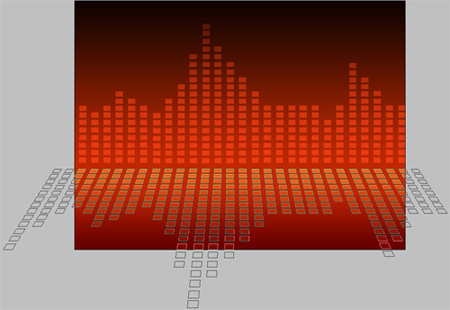
The layer’s parameters: Fill 0%
Blending Options>Gradient Overlay
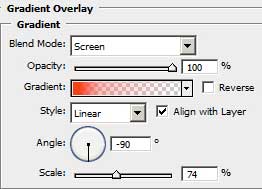
Gradient’s parameters:
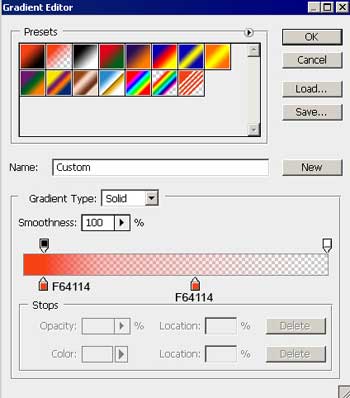
 Choose now the Rounded Rectangle Tool (U) to represent the primary layer of the media player corps.

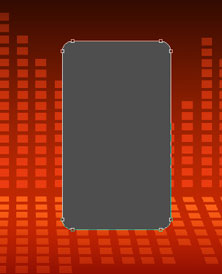
The layer’s parameters: Blending Options>Gradient Overlay
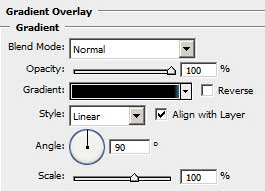
Gradient’s parameters:
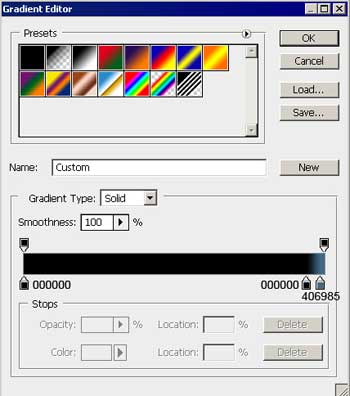
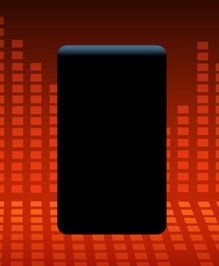
The next layer may be represented with the Rounded Rectangle Tool (U).

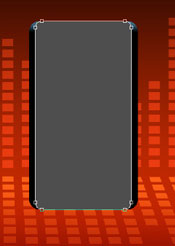
The layer’s parameters: Blending Options>Gradient Overlay
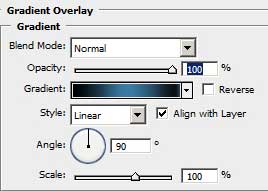
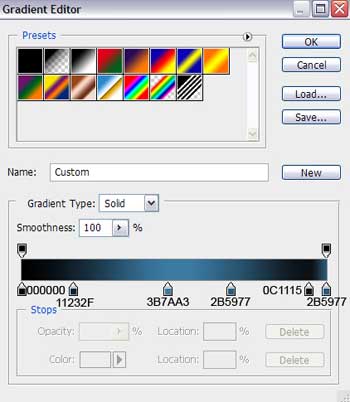
Gradient’s parameters:

Using the same instrument, try to represent the primary layer for our player’s display, having the black color.

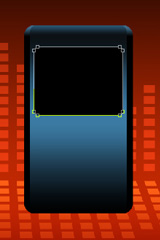
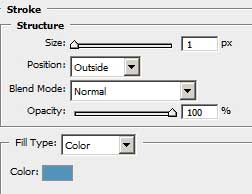
The layer’s parameters: Blending Options>Stroke

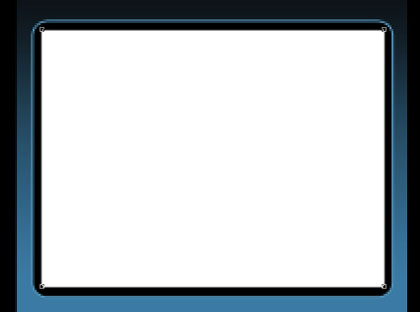
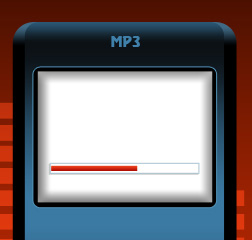
Next we’ll use the Rectangle Tool (U) to create the player’s screen of white color.
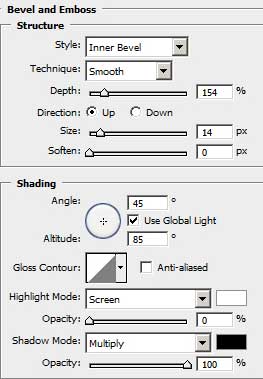
The layer’s parameters: Blending Options>Bevel and Emboss

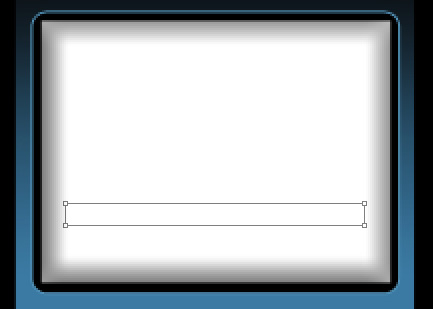
Try to create now the primary layer of the play indicator, choosing previously the Rectangle Tool (U) The layer’s parameters: Fill 0%
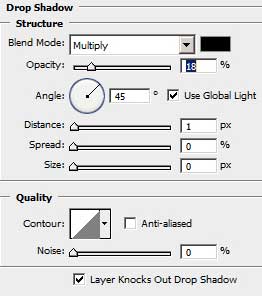
Blending Options>Drop Shadow
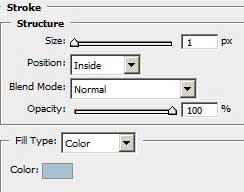
Blending Options>Stroke

Selecting the last instrument, it’s possible to represent the play indicator itself.
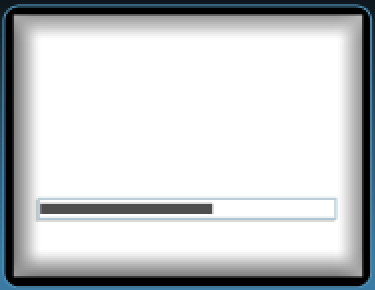
The layer’s parameters: Blending Options>Gradient Overlay
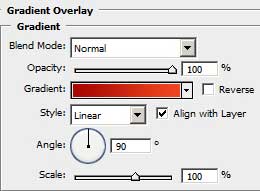
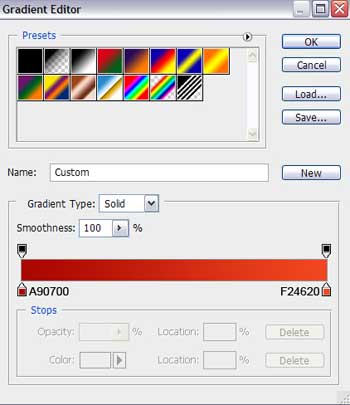
Gradient’s parameters:
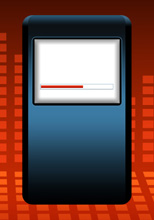
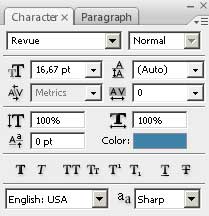
Next we have to write the player’s name.
Comments