
Street Racer Club Wallpaper
Learn in this tutorial how to design an awesome wallpaper.
Create a new file (File>New), having 1024×768 px and 72 dpi. Using the Paint Bucket Tool (U), paint the file in black and then select the standard Brush Tool (B) of big size and the color #4A4A4A to represent a spot in the middle of black file.

Create a new layer again and apply on its background the Brush Tool (B) of small size and the color #292929 to create several lines coming from one side of the background to another. Make a brush click on one background’s side, keeping pressed the Shift button and then make another brush click on the other background’s side for a line to be pictured. Applying this method, it’s possible to represent several lines of the kind.

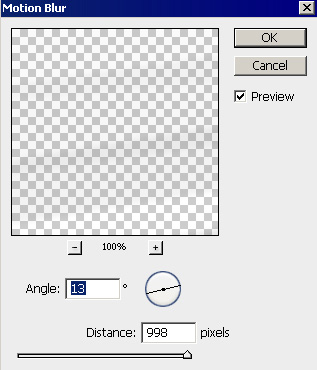
Apply for the lines’ layer the here demonstrated filter- Filter>Blur>Motion blur


On the same layer we have to apply the Eraser Tool (E)


Make a copy of this layer.

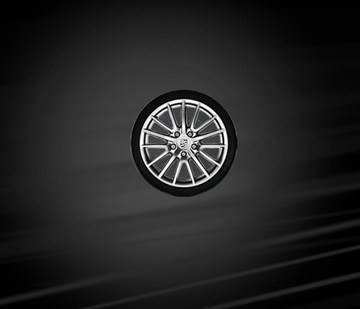
Make another copy of the same layer and select the Free Transform option to turn centrally the layer a little to the right side, the way it is demonstrated below.

Find in Internet an auto wheel, cut it out and place it on the central part of the picture.
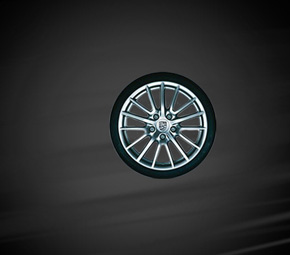
Click on this combination of buttons, Ctrl+Shift+U, on the layer in case.
Comments