
Flying Santa Claus with gifts
November 21, 2007 | 0 comments
This lesson I intend to draw a very nice New Year postcard.
Let’s start! For the beginning create a new file of 600×800 px and 72 dpi resolution.
Select next Blending Options and apply here the Gradient Overlay selection with the next parameters:
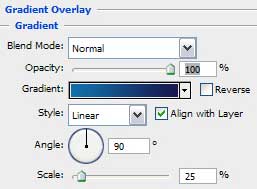
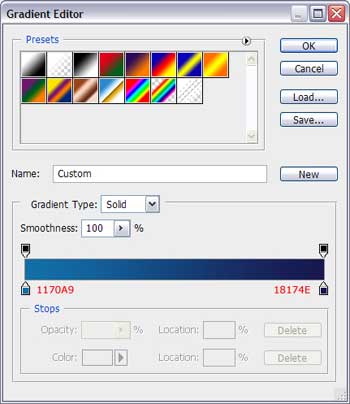
So we have done the background of the future postcard:


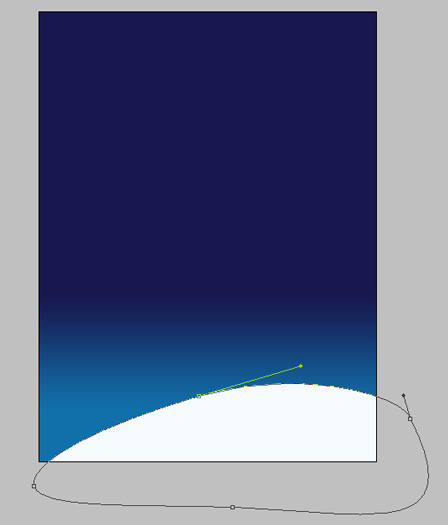
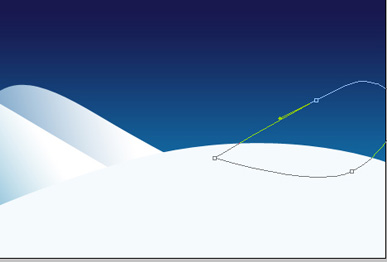
Next take the Pen Tool (P) with the color #FFFFFF to represent a snow hillock as below:
Try to make one more hillock behind the previous one:
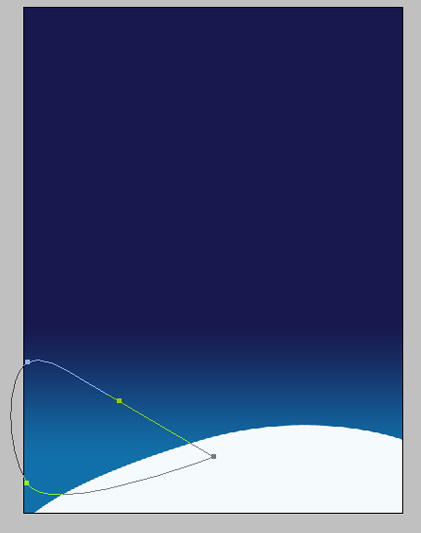
Fill 0% on the layer and choose also Blending Options>Gradient Overlay:
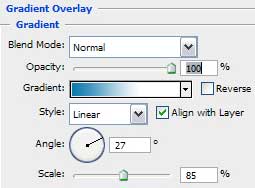
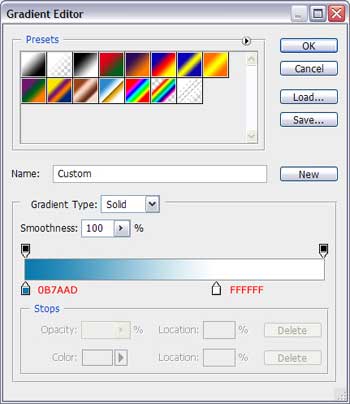

Try to draw next another snow drift behind the earlier made ones:
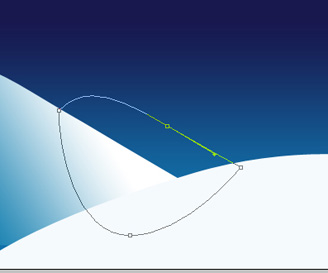
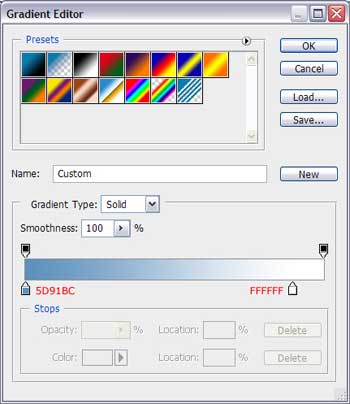
Select now Blending Options>Gradient Overlay:
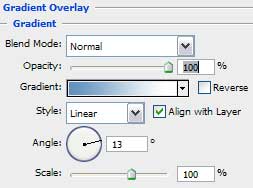

Getting a more harmonious composition is possible if creating the last snow drift:
Comments