
Christmas 2008
This tutorial demonstrates how to create colorful Christmas wallpaper.
Final Image Preview

Let’s start by creating a new file (File>New) that would have 1024×768 px and 72 dpi.
Using the Rectangle Tool (U), we must represent the background of the picture we want to get finally.

Apply the next demonstrated parameters by making a mouse click on the processed layer on the layers’ panel: Blending Options>Gradient Overlay
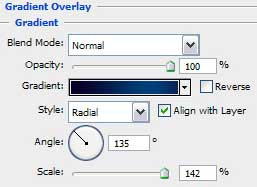

Gradient’s parameters:
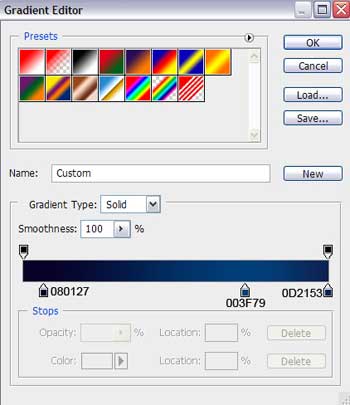

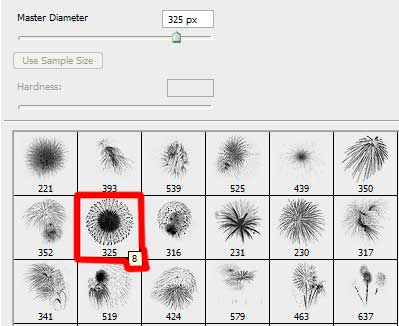
Now we have to download out of Internet a set of ready to apply brushes for Adobe Photoshop, named fireworks1.
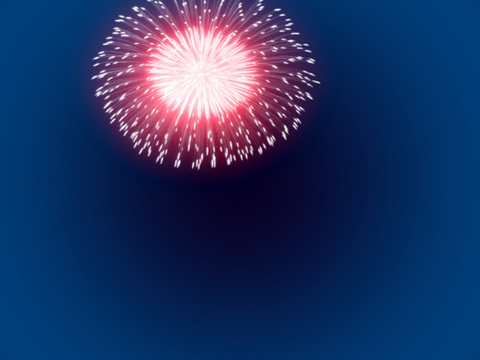
Create a new layer and use on it the Brush Tool (B) out of the set fireworks1 to represent a holiday fireworks of white color. Using the Free Transform selection, it’s possible to work on the fireworks’ shape:

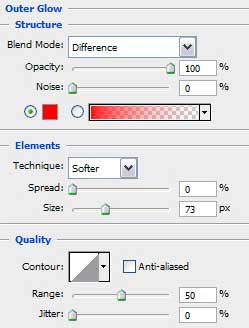
The layer’s parameters: Blending Options>Outer Glow
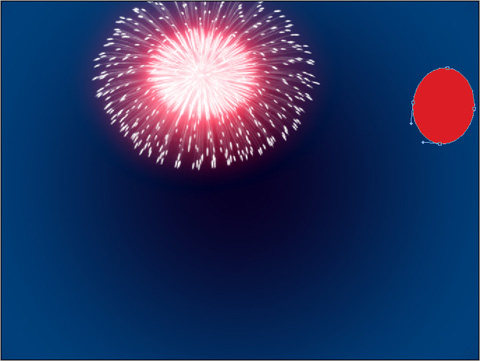
Using the Ellipse Tool (U), we can represent now an air balloon, colored with the next presented color – #DC1D25
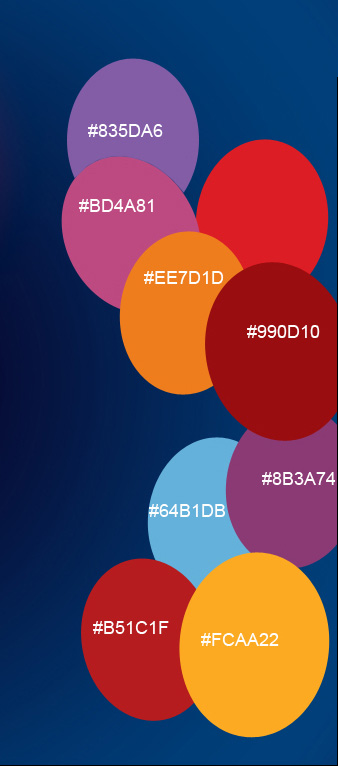
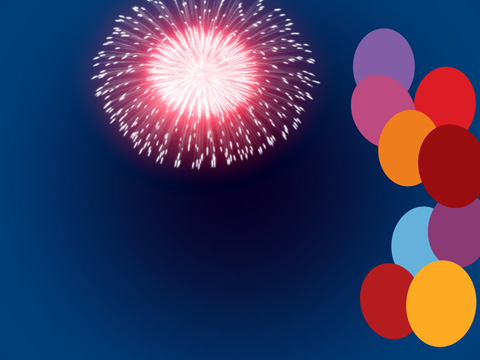
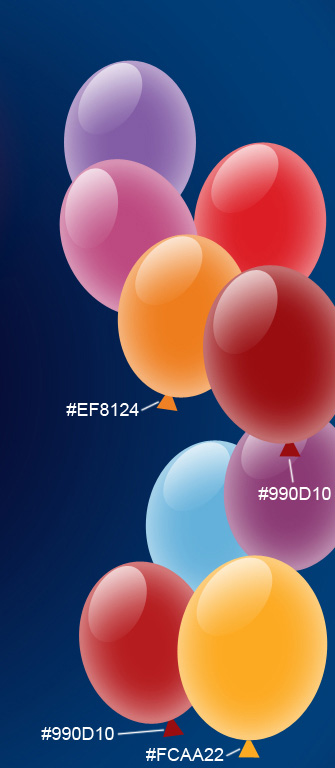
Using the same method, we have to represent several more air balloons of different colors.
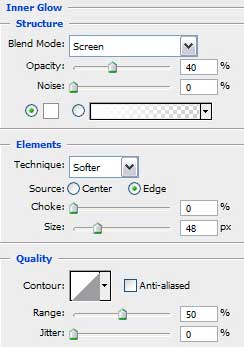
 All the balloons’ layers should have the next demonstrated layer’s parameters:
Blending Options>Inner Glow

Take again the Ellipse Tool (U) to represent the highlight on the balloon.
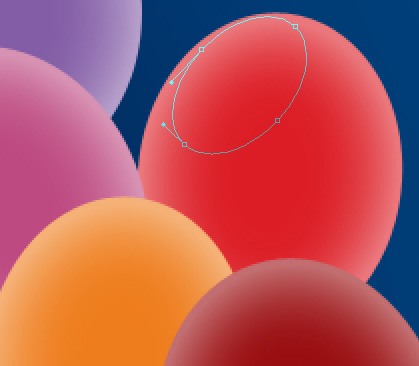
The layer’s parameters: Fill 0%
Blending Options>Gradient Overlay
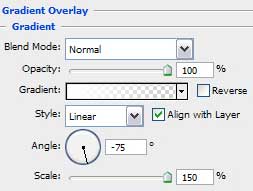
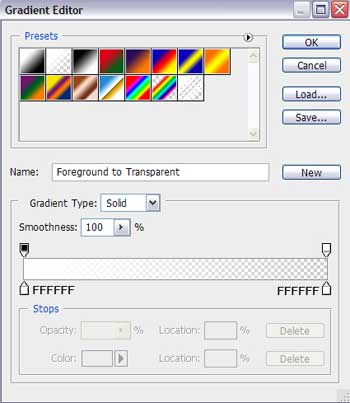
Gradient’s parameters:

Make eight copies of the last represented layer and choose Free Transform option to change the copies’ sizes, depending on the balloons the highlights are reserved for:

Select now the Pen Tool (P) and try to add the tail for the balloon. This layer should be placed lower than the balloon’s layer on the layers’ panel. The color selected in this case is #990D10
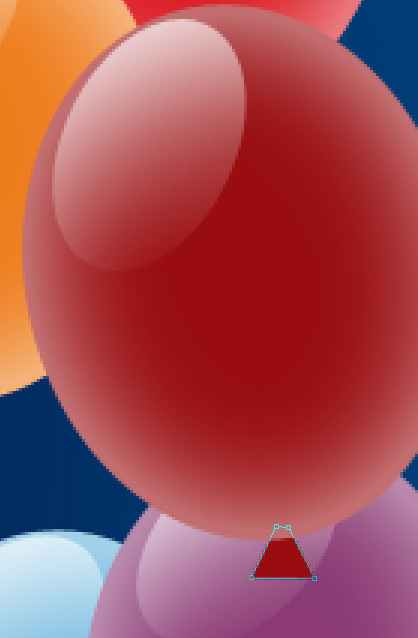
Make three copies of the layer containing the balloon’s tail, but select different colors for the new copies. The Free Transform option is helpful in changing the copies’ sizes and their placement. Place the tails’ layers reserved for the balloons lower than the layers of the balloons themselves (on the layers’ panel).
Select the next parameters for each layer belonging to the tails. Blending Options>Gradient Overlay (for #990D10)
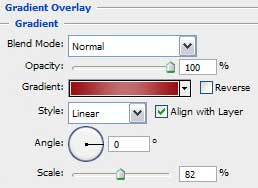
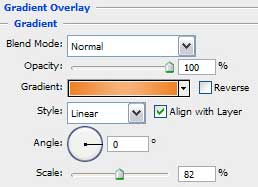
Gradient’s parameters:
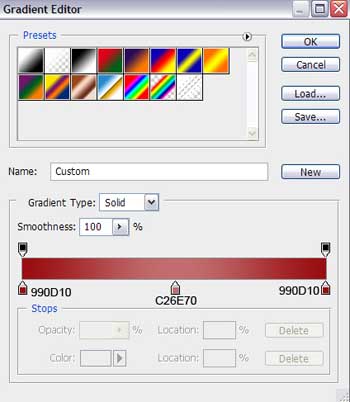
Blending Options>Gradient Overlay (for #EF8124)
Page: 1 2
Comments