
Urban city scene on grunge background
In this tutorial I will be teaching you how to add a grunge scene style to your photos.
Create a new file (File>New) with 1024×768 px and 100 dpi. Select on this layer the Paint Bucket Tool (G) to give it the color #F3DAA2

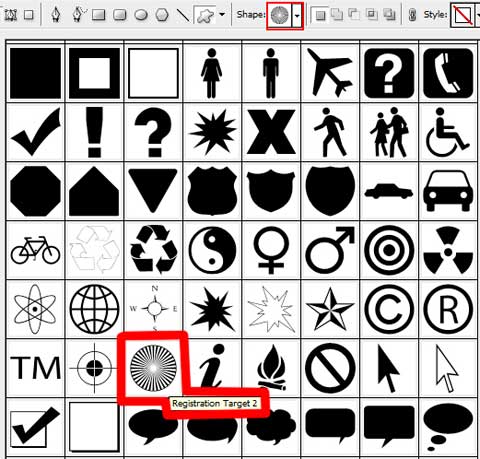
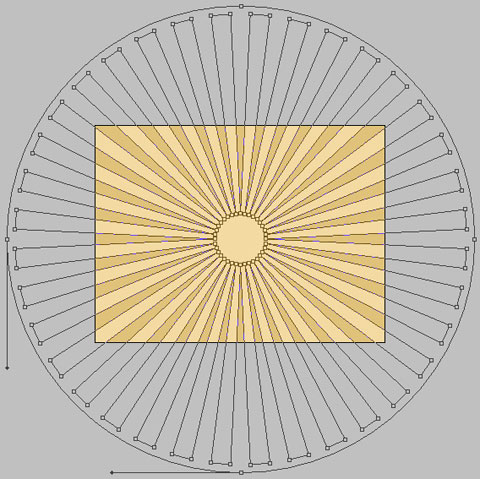
Choose next the Custom Shape Tool (U) to represent the next layer belonging to the background of the picture we’ll get on the final stage. The color is #E0C27A


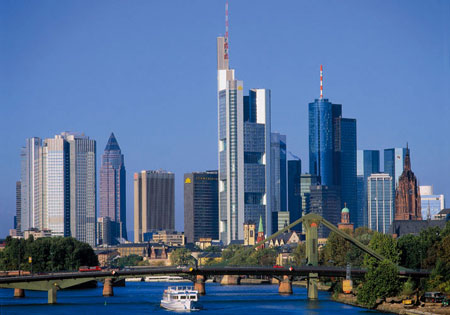
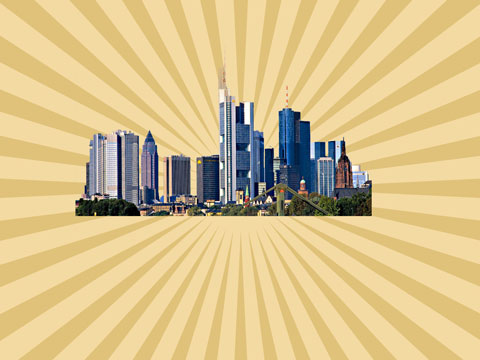
Find in Internet a photo of a megapolis. Cut out the unnecessary elements of it and insert the main element in the middle of the picture.
Download out of Internet a set of ready to apply brushes for Adobe Photoshop: BloodPack1__invaynestock, bloodbrushes2_invaynestock, Bush Pack v1
Create a new layer after that and select the Brush Tool (B) out of the set BloodPack1__invaynestock. The selected brushes’ color should be #C42622. Place the layer containing the brushes lower than the layer with the photo of the megapolis (on the layers’ panel).
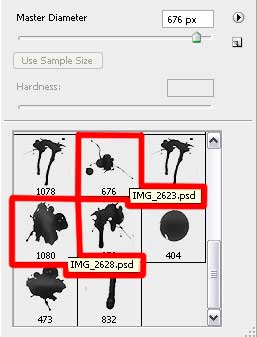
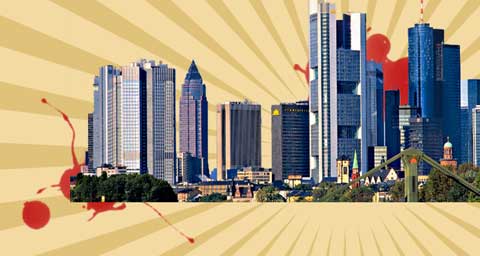
On the next layer we’ll apply the next set of brushes bloodbrushes2_invaynestock, having the white color. This layer will be placed lower than the layer containing the picture of the city (on the layers’ panel).
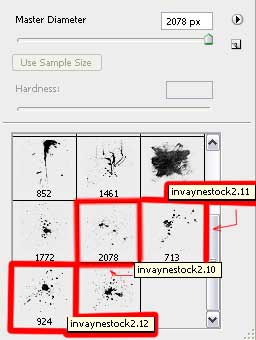
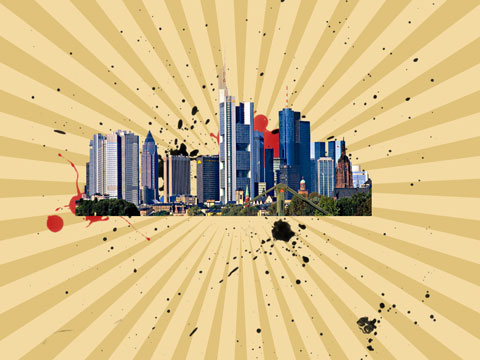
Create a new layer again and select the next brushes out of the set BloodPack1__invaynestock. Place this layer lower than the layer containing the photo of the city (on the layers’ panel).
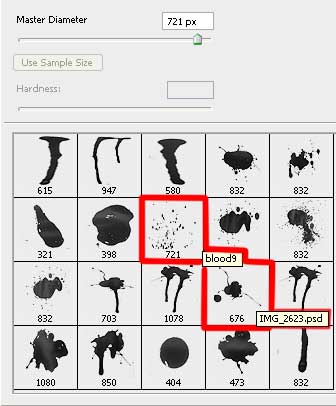
the color #DD8301
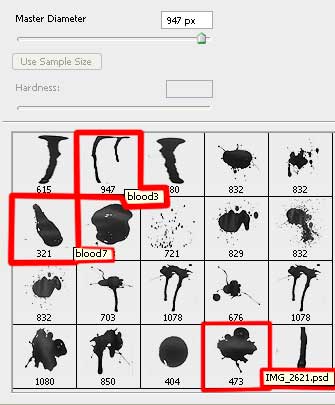
the color #BCC450
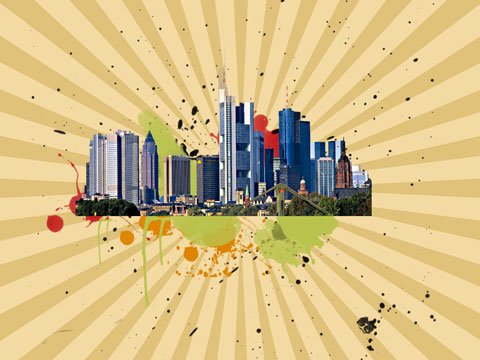
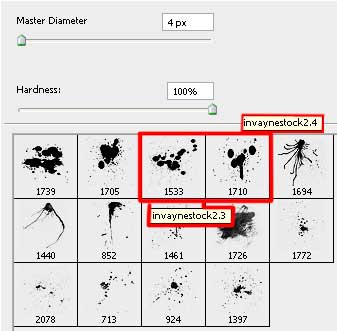
Use the next set of brushes named bloodbrushes2_invaynestock, having the color #FFA80E. The layer will be situated in the layers’ panel also lower than the layer containing the picture of the city.
Comments