
Online Business Classes Web Page
March 8, 2008 | 0 comments
In this step by step tutorial you will learn how to create a colorful layout for Online business.
Let’s start working by creating a new file (File>New) that would have 766 x750 px and 72 dpi.
Then select the Rectangle Tool (U) to make the site’s background.
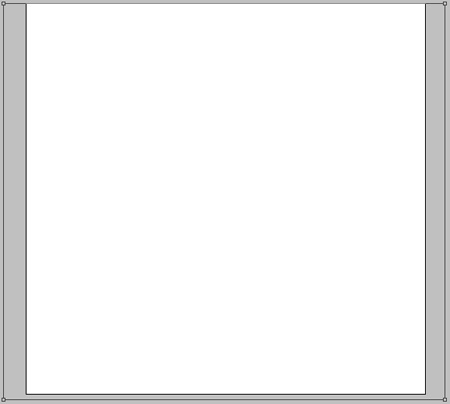
Select these parameters by making a mouse click on the layer we work with on the layers’ panel:
Blending Options>Gradient Overlay
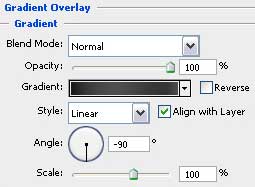

Gradient’s parameters:
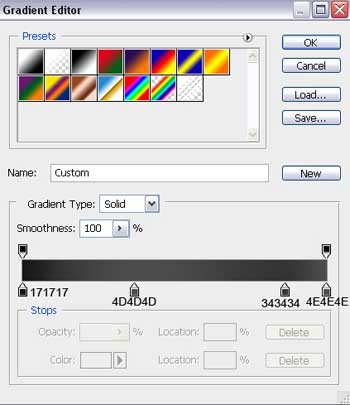

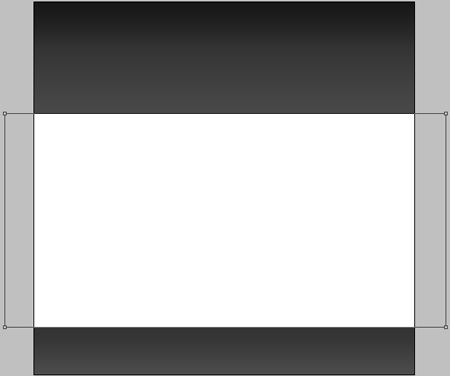
Using the same tool, try to make the central panel of the site’s page. Its color is white.
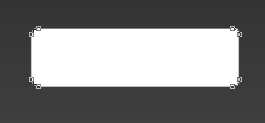
Use next the Rounded Rectangle Tool (U) with a radius of 2 px to represent the primary layer reserved for menu’s button situated on the site’s header.

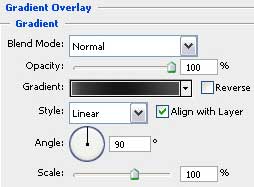
The layer’s parameters: Blending Options>Gradient Overlay
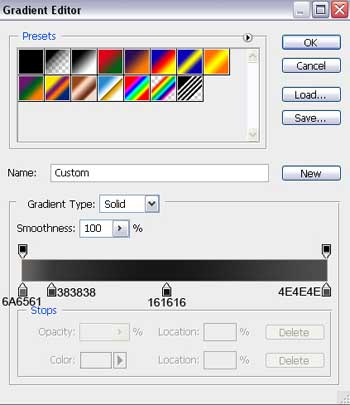
Gradient’s parameters:


Comments