StarCraft Interface Design
April 4th, 2008 by ART-D Posted in Adobe Photoshop, Text Effects
A really in-depth tutorial on how to create a nice StarCraft style wallpaper.
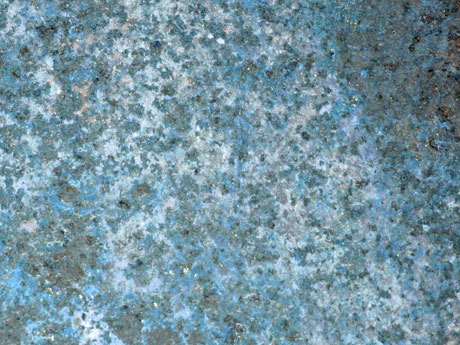
Download out of Internet the same texture we have below, that must have 1600×1200 px and 72 dpi.
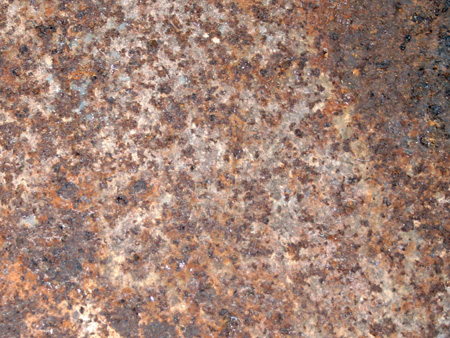
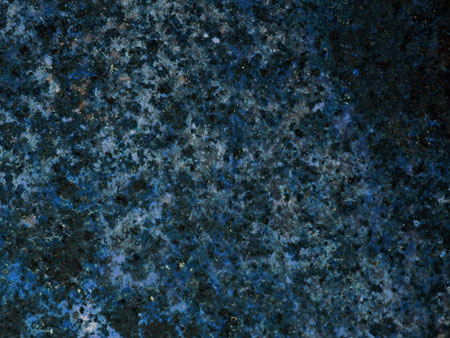
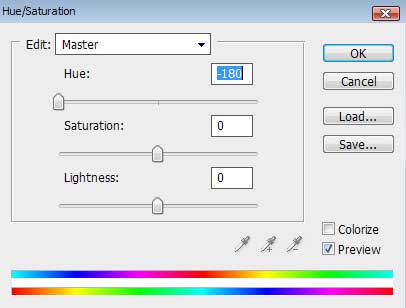
Press CTRL+U
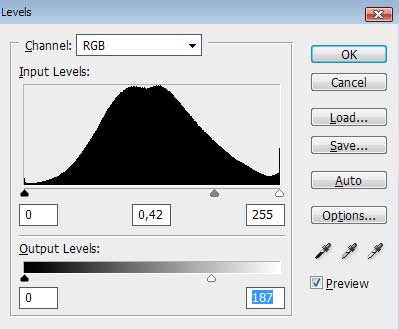
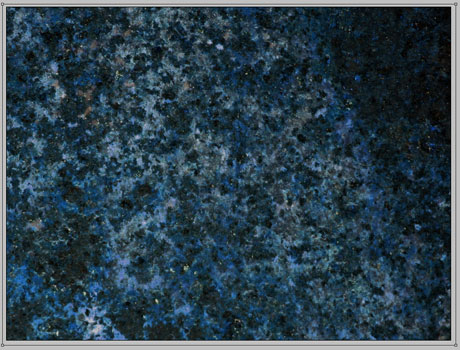
Next press this combination of buttons: CTRL+L

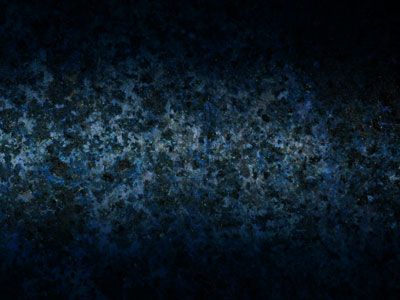
It’s time to use the Rectangle Tool (U) to dark out the picture’s edges:
Set the next parameters for the last made layer by making a mouse click on the processed layer on the layers’ panel: Fill 0%
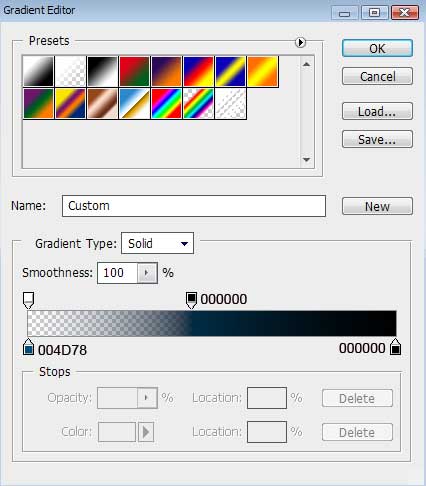
Blending Options>Gradient Overlay
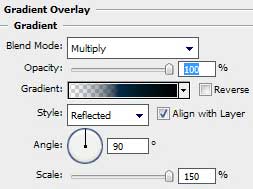
Gradient’s parameters:


lor
01/11/2009
Amazing, keep the good work on.
Bright-Tutorials
22/12/2009
Cool now I have a StarCraft wallpaper!
john
24/03/2010
Where do i get the background
Shajal
07/04/2010
Hi John, I know sometimes its really pain in the head if there are not enough information to start the project. Its happened very often with me when I’m following an instruction of a projects and half way found out that- some information is missing- so no where to go beside not doing it anymore.
Anyway- just type “metal background” in the Google’s image section and you’ll find the image shown above in the first or 2nd pages. Its seems pretty close and the size mentioned. Good luck.
Jenna
08/08/2010
I can’t find the background either!
Paviano
16/08/2010
Background is on first page
Paviano
16/08/2010
Ops.
It’s not this
I can not find this too.
MarkRyan
09/04/2011
where’s the next page of this tutorial?
Ricardo Cahue
18/05/2011
MarkRyan
…Its over the comments section