
Ford Mustang Wallpaper
In this free tutorial we will show you how to quickly and easily create this picture that could be used as a wallpaper, web banner, flyer.
Start working by representing a new file (File>New) with 1280×1024 px and 72 dpi. It may be pained in this color #382D19, applying the Paint Bucket Tool (G).

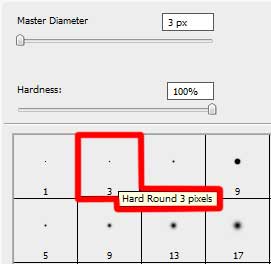
Next try to represent a new file with 40×40 px and 72 dpi and use on it the Pencil Tool (B) (brush 3 px) of black color to draw a pattern like the next one:
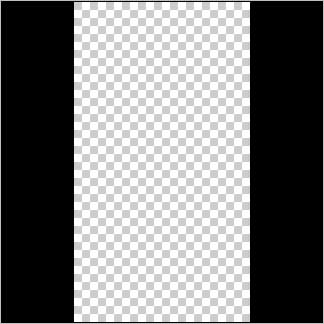
Edit>Define Pattern
Next apply the Rectangle Tool (U) to continue drawing the background of the picture to be.

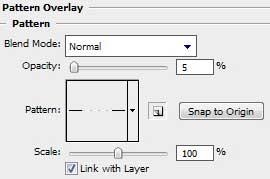
Choose next demonstrated parameters by making a mouse click on the processed layer on the layers’ panel:
Fill 0%
Blending Options>Pattern Overlay (apply the earlier drawn pattern).

Create new layer and select on it the Brush Tool (B) of white color (Opacity 30%) to stroke out the background arbitrary.
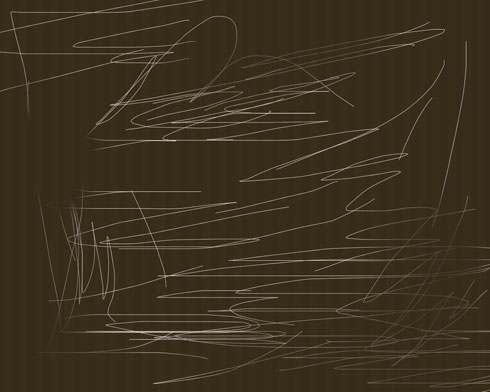
The layer’s parameters: Fill 20%
Blending mode-Overlay 
Use the same brush, but of black color and on a different layer this time (Create new layer) to stroke it out the same way.
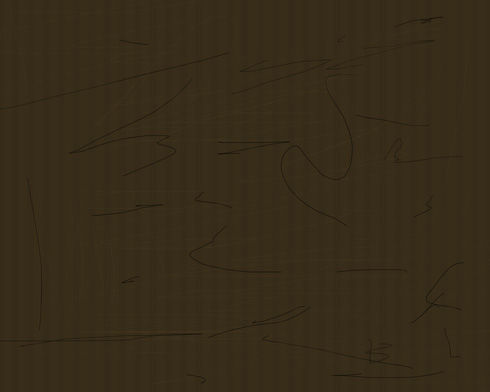
The layer’s parameters: Fill 20%
Blending mode-Overlay

Comments