
Iron Man Wallpaper
Learn how to create a wicked dark-themed wallpaper just in time for the release of the new IronMan movie!
Create a new file (File>New), having 1280×1024 px and 300 dpi. Applying the Paint Bucket Tool (G), it’s possible to paint the new file with black color.

Create a new layer and then apply on it the Paint Bucket Tool (G) with the color #7D5A3A

Select for this layer the next option Filter> Noise>Add Noise

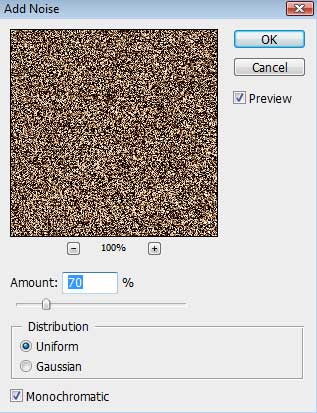
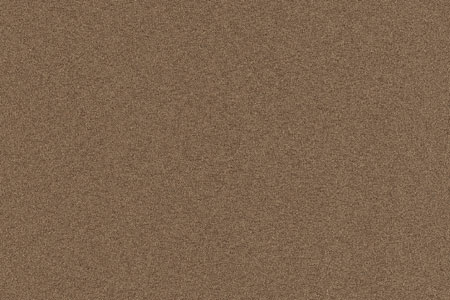
Make a copy of this layer, choosing for the copy the selection from here: Filter>Blur>Motion Blur.
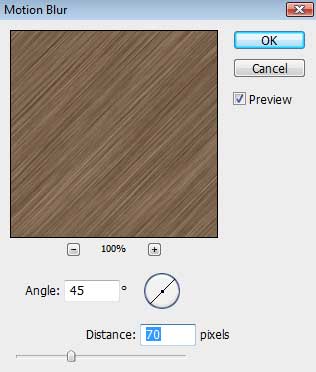
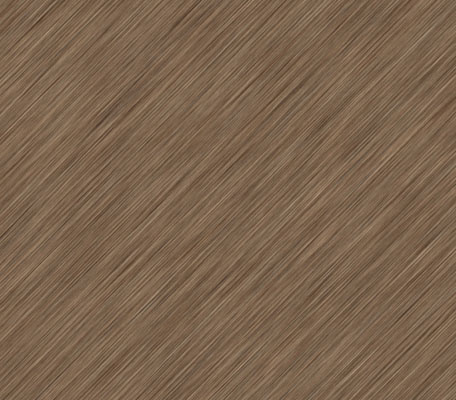
Place this layer under the previous one (on the layers’ palette), setting for the original layer, containing the filter Add Noise, the parameters from below. Fill 20%
Blending mode-Overlay
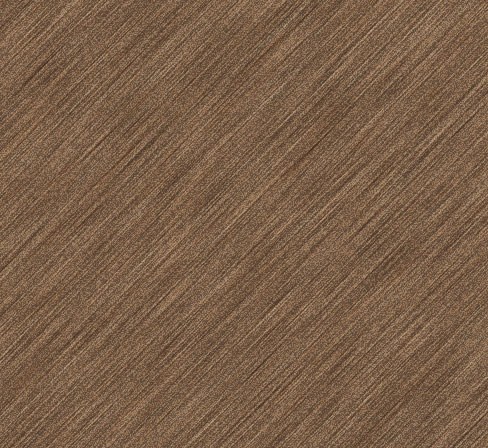
Merge Down layers (the copy and the original one) into a single layer (press Ctrl to mark out both layers and press Ctrl+E). Select the next option for the last layer Filter>Render>Lighting Effects.
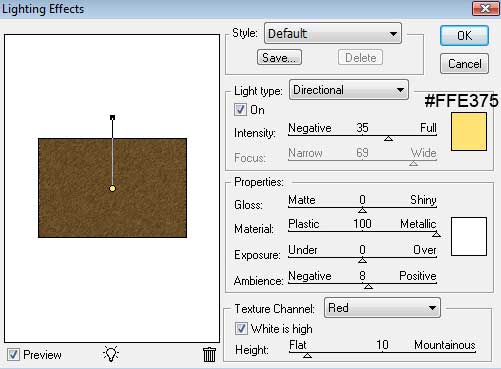
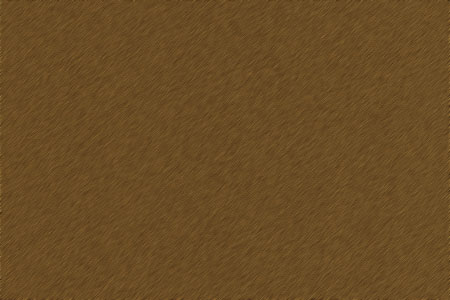
Select the next parameters for the layer: Fill 30%

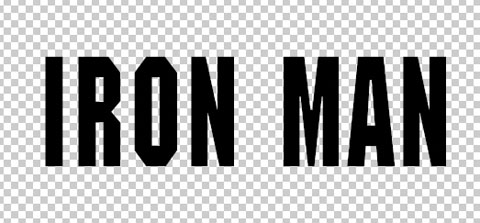
Hide this layer temporary and write the word IRON MAN, keeping the next demonstrated demands:
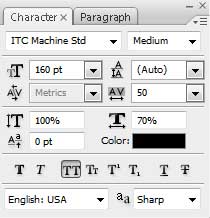
Because of the fact that the text has black color, we need to hide the black background.
Page: 1 2
Comments