
Urban Skateboarding
Create a remarkable photo effect that can be used on posters as advertisements like this skateboarding one.
Create a new file (File>New) of 1280×1024 px and 72 dpi. Then applying the Paint Bucket Tool (G), fill the new file with the color #6B6B6B

Make a copy of the last made layer, giving it the selection Filter>Noise>Add Noise
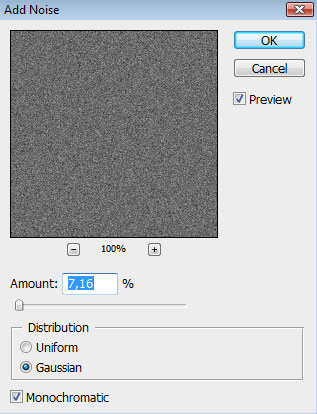
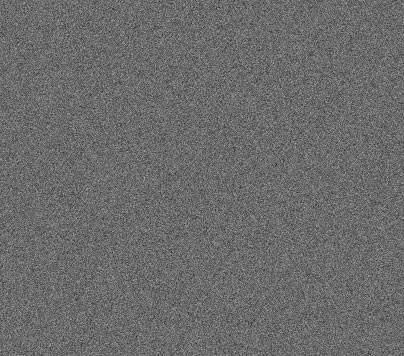

The parameters from below should be applied for the same layer too: Blending mode-Soft Light 
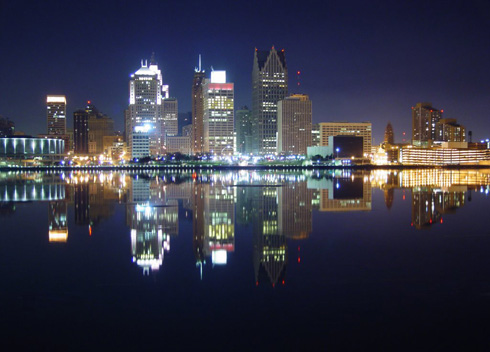
Find in Internet a picture with a city on it:
Select the Pen Tool (P) and mark out the city with black color:
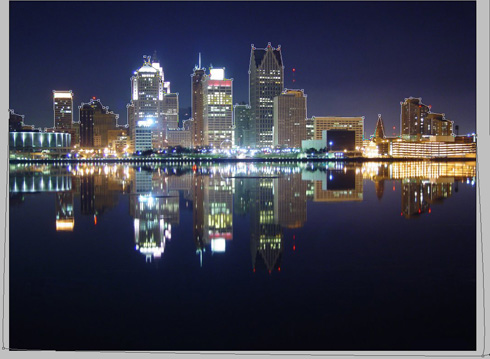
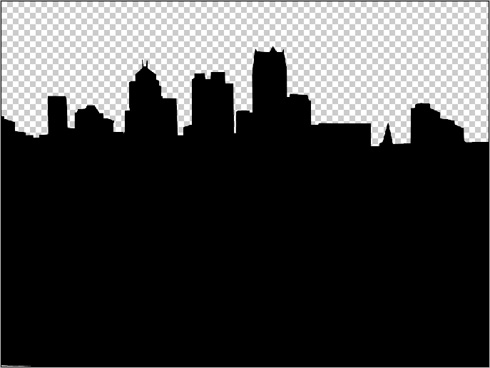
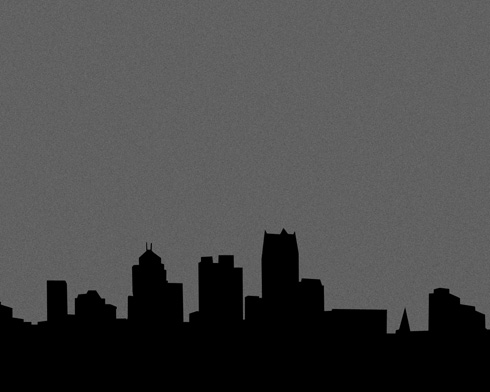
Insert the city’s silhouette, displacing it a little with the Free Transform option to the bottom part of our main picture:
Next we’ll find in Internet a picture, having represented a skateboarder on it. For this tutorial, I used this picture from Flickr. I would like to thank the author of this picture.
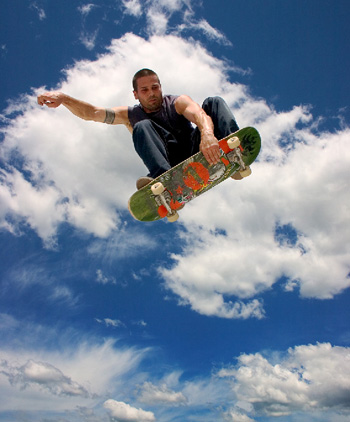
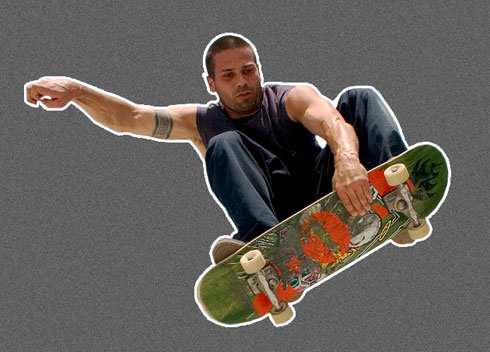
Cut out the new element an insert it on our picture:
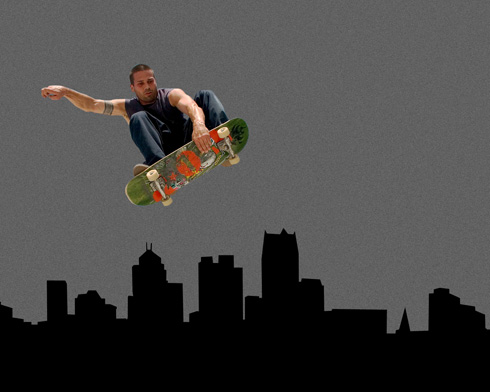
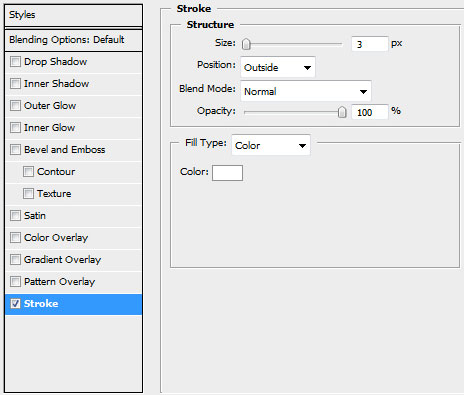
The parameters from below should be applied for the layer with the skateboarder by making a mouse click on this layer on the layers’ panel: Blending Options>Stroke
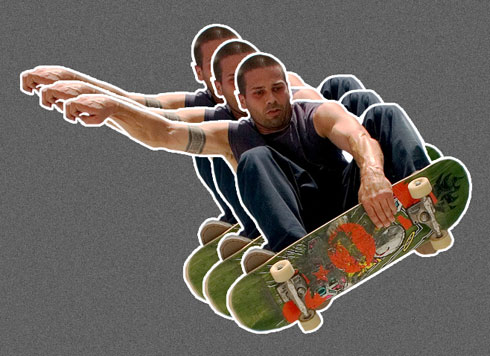
Make two copies of the skateboarder’s layer, each one being placed under the previous one. The copies should be placed the same way from below, using the Free Transform selection.
Page: 1 2
Comments