
Beer House
In this tutorial I will show you easy techniques to make an artistic beer club design wallpaper in Photoshop CS4.
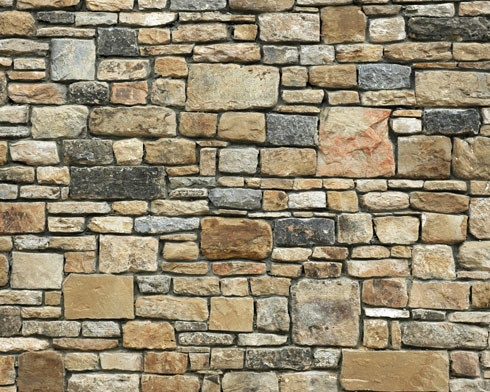
Start working by finding a texture representing the medieval bricks, having the dimension of 1280x1024px and 72 dpi. (I used this texture from cgtextures.com)
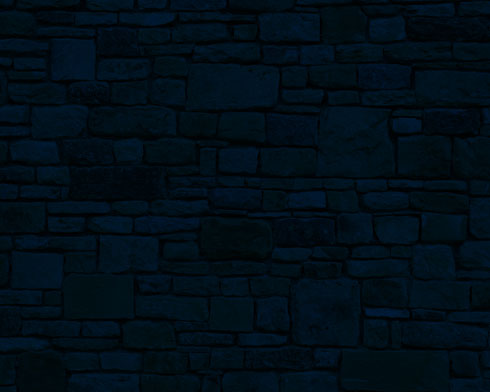
Next we’ll represent a new layer (Create new layer) which must be painted with the Paint Bucket Tool (G) in #001A35 color.

Set the next demonstrated parameters for the made layer: Blending mode-Multiply

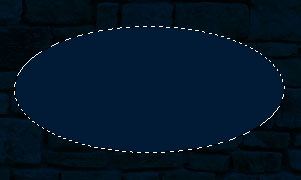
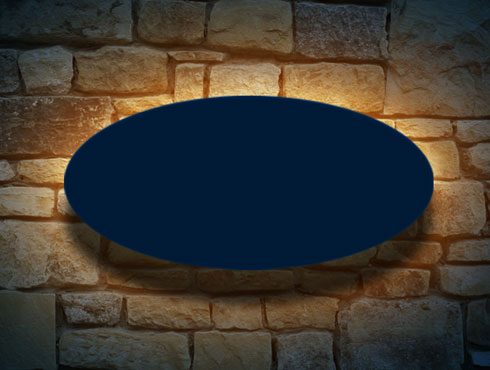
Now we’ll choose the Elliptical Marquee Tool (M) to represent the primary layer for the signboard. Select this zone and then apply again the Paint Bucket Tool (G) to fill this zone with any color you wish.
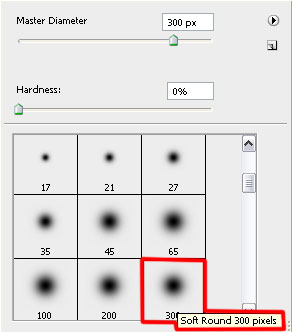
Get back to the dark – blue layer with the Multiply blending mode and make a mouse click on the layer to Add a Mask option, situated on the lowest part of the layers’ palette and choose the Brush Tool (B) with black color to erase the zone around the signboard
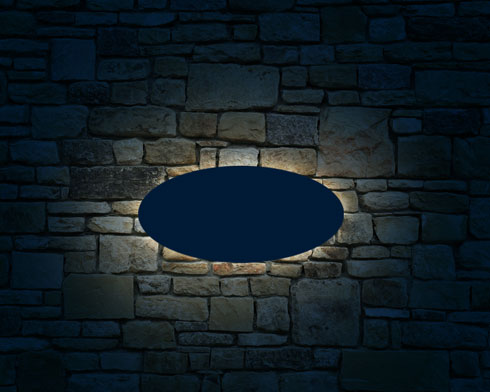
Using the same tools and the same method, try representing under the signboard’s layer another one – an illumination one, having the color #FBAF5D
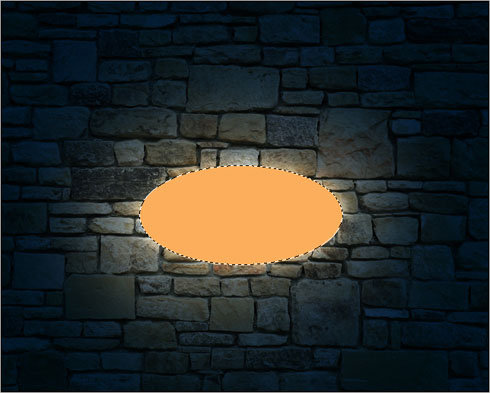
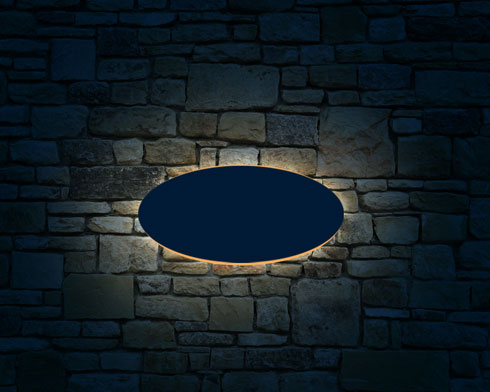
Select for the last made layer this option – Filter>Blur>Gaussian blur
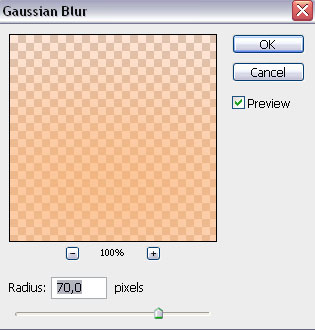
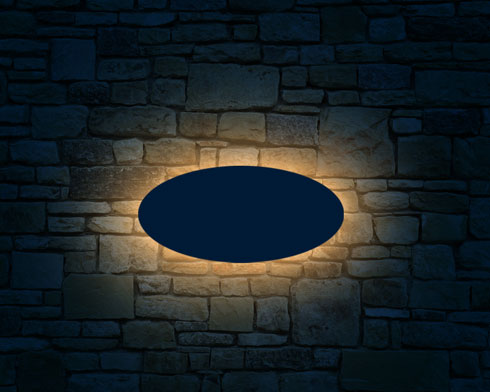
The layer’s parameters: Blending mode-Hard Light 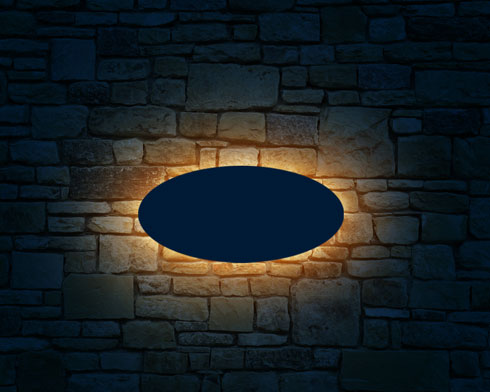
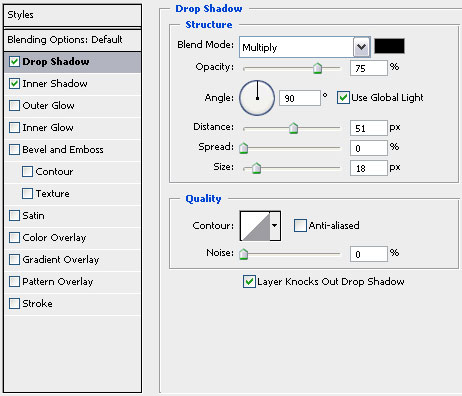
Select the next parameters for the layer containing the signboard: Blending Options>Drop Shadow
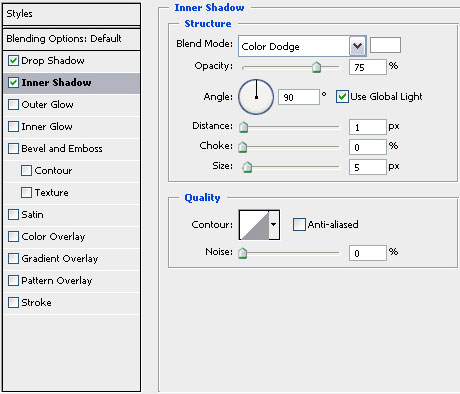
Blending Options>Inner Shadow
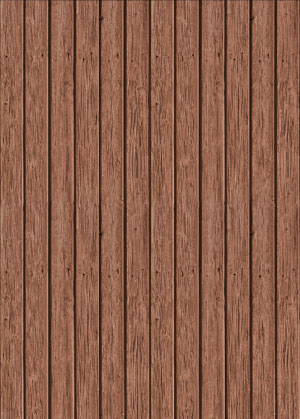
Find next in Internet a texture representing the wood planks: (I used this texture from cgtextures.com)
Insert the texture on our basic picture. Using the Free Transform option, change the texture’s sizes as for it to fill accurately the signboard:
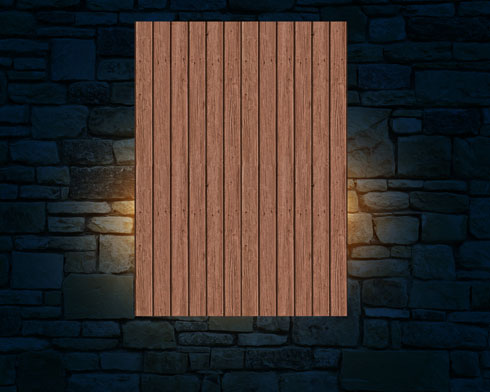
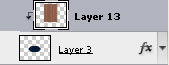
Press Alt button and make a mouse click between the layers containing the wood boards and the signboard’s layer (on the layers’ palette).
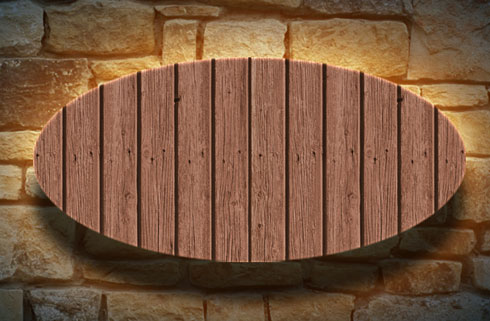
Make a copy of the signboard’s layer and select again the Free Transform option to make the copy smaller, applying different parameters:
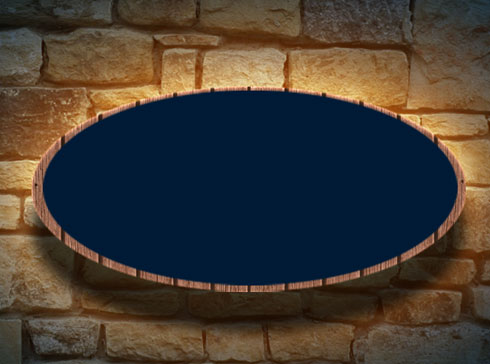
Blending Options>Drop Shadow 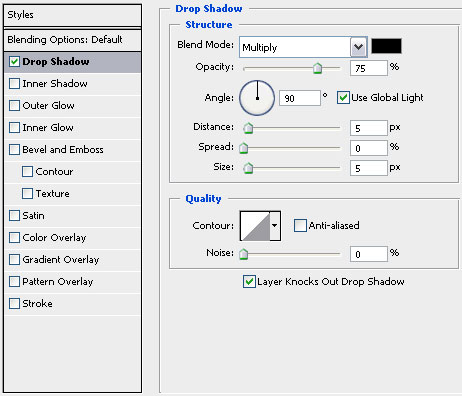
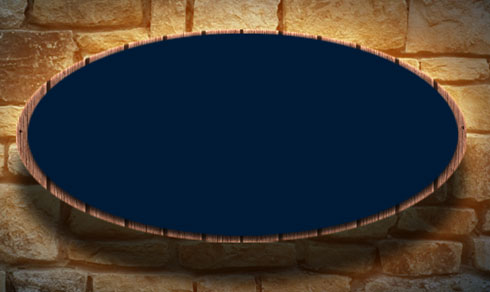
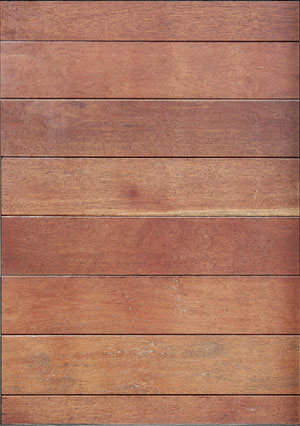
Find in Internet another texture representing also the wood planks: (I used this texture from cgtextures.com)
Comments