
Smeared Light
May 13, 2006 | 0 comments
1. Make a new document, anysize doesn’t matter. Now press “D” to reset the foreground and background colors to black and white. Make sure your background is BLACK.
2. Apply 4 to 6 lens flares, I used 35mm prime and scattered them on my canvas:
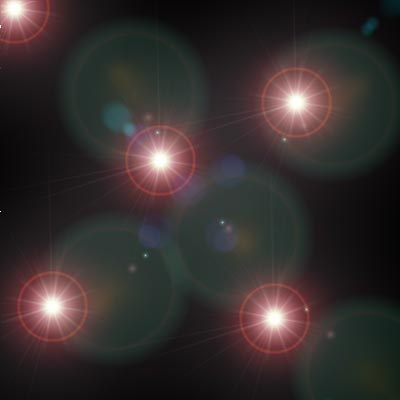
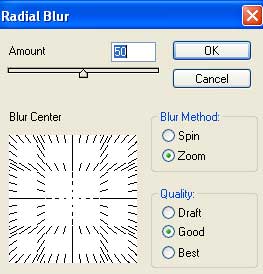
3. Apply Filter>Blur>Radial Blur with these settings:
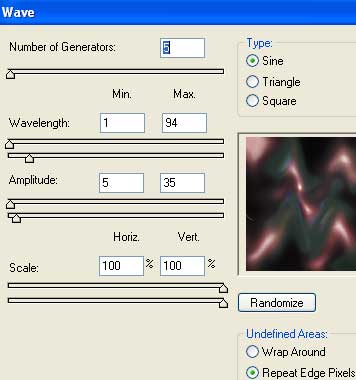
4. Distort the graphic now, go to Filter>Distort>Wave and use these settings or your own:
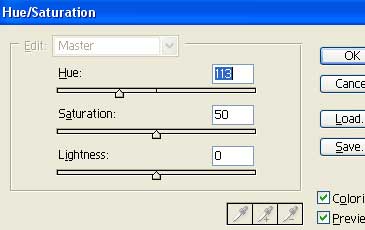
5. Apply color now, CNTRL+U:
6. Duplicate the layer and set the top layer blending mode to Soft Light.

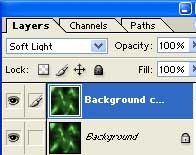
7. Emerge the layers together by pressing CNTRL+E.
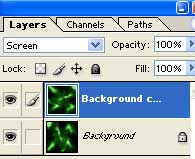
8. Duplicate the layer once again. Go to Edit>Transform>Rotate 180 and set the layer mode to Screen.
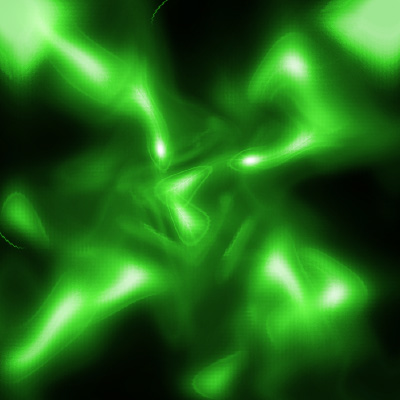
Now your done, heres my graphic:
Comments