
Prime Spiral
May 14, 2006 | 0 comments
| 1. Create a new document with a black background. |
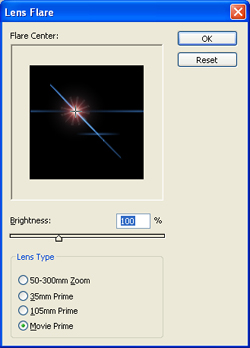
| 2. Go to Filter> Render> Lens Flare and uses these settings:
|
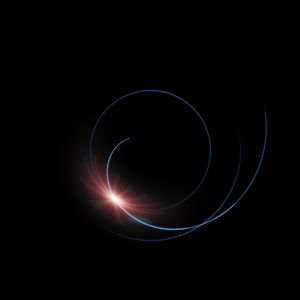
| 3. Now apply a Filter> Distort> Polar Coordinates and select Rectangular to Polar.
|
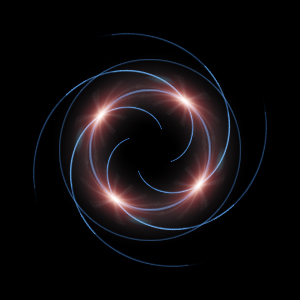
4. Duplicate the current layer and change the blending mode to Screen. Rotate it by 90º. Do this step two more times. 
|
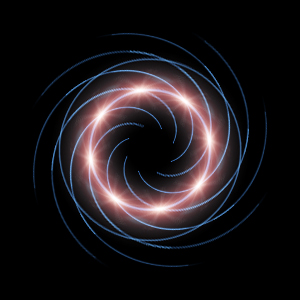
| 5. Flatten the image then duplicate the layer and rotate it by 45º. Change the blending mode to Screen and you’re done.
|
Comments