
Night Vision
May 19, 2006 | 0 comments
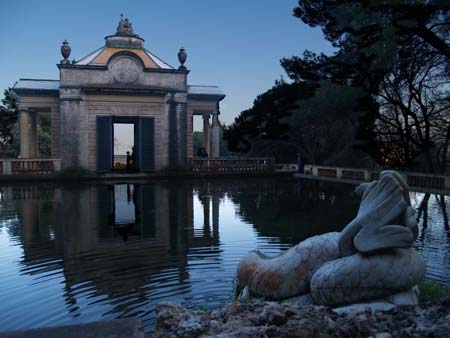
1. Take Your Image.
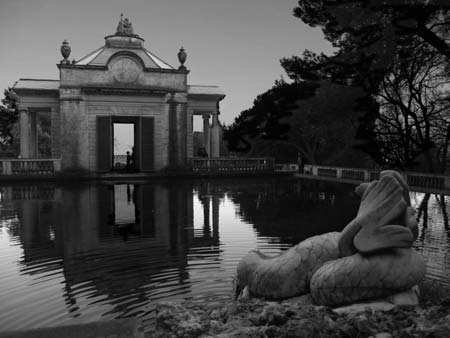
2. Now press “Ctrl+U” to bring up hue/Saturation and drop the saturation down to “0”
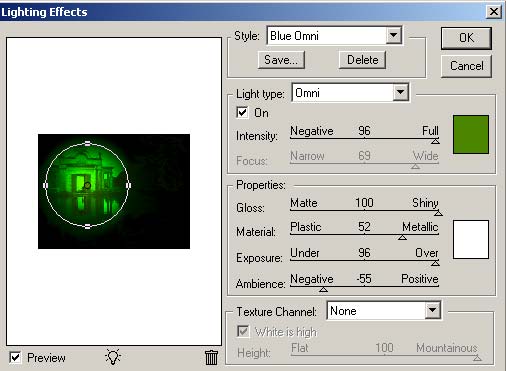
3. Now go to “Filter > Render > Lighting Effects” and use these settings:

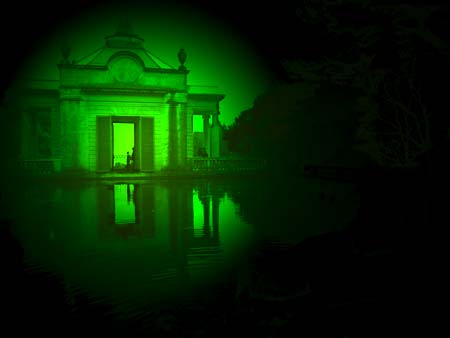
Final Result should look like this!
Comments