
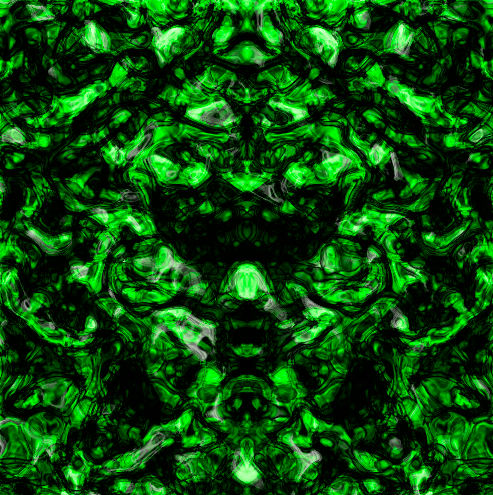
Abstract Background
May 19, 2006 | 0 comments
1. New Document (500×500)
2. Filter > Render > Clouds
3. Filter > Render > Difference Clouds
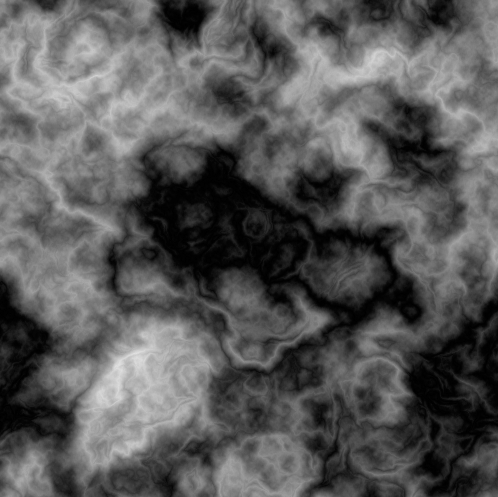
4. Press “Ctrl+F” about 20 times, until you get something like this:
5. Filter > Sketch > Chrome: (Detail : 10 | Smoothness : 10)

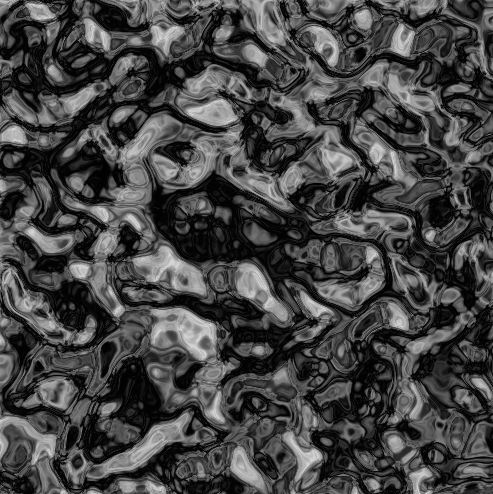
6. Duplicate the Layer. (Layer > Duplicate Layer)
7. Edit > Transform > Flip Horizontal
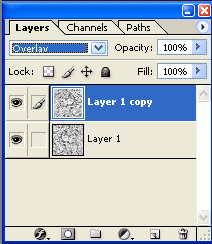
8. Now Change the blending mode of that layer to “Overlay”
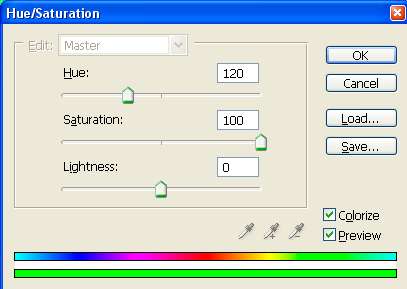
9. Now for the final step, its time to add some color. I chose a brighter green. But the choice is yours. If you want my color, press “Ctrl+U” and use these settings:
Final Result:
Comments