
Sky in the Night
May 21, 2006 | 0 comments
1) Open a new black background, click ‘filter’ > ‘texture’ > ‘grain’ and enter the following values:
(Intensity: 90; Contrast: 85; Grain Type: Regular)

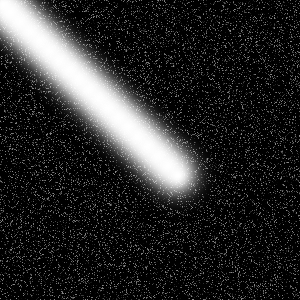
2) Select the brush tool and change the setting values to:
(Master Diameter: 65)
Now using the ‘shift’ button, press and hold to draw a straight line like so..
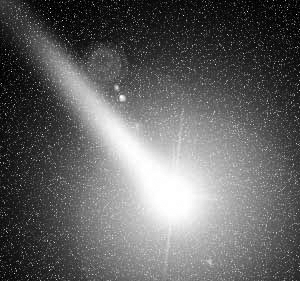
3) ‘Filter’ > ‘Render’ > ‘Lens Flare’ into the dialog enter these values:
(Brightnes: 127; Lens Type: 105mm Prime and move the flare to the end of the brush like)

Comments