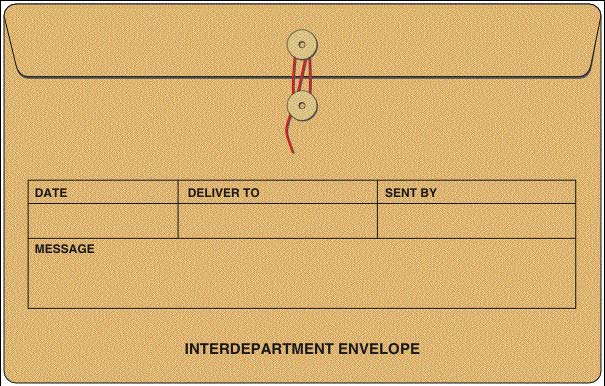
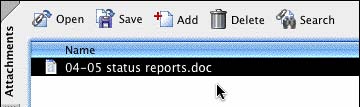
 Eliminate the time lost shuttling a collection of documents from buildings to departments across the campus or district. Secure eEnvelopes — a new feature in Acrobat 7.0 — incorporates Acrobat’s ability to combine and attach files of all types into a secure package that can be e-mailed or transferred electronically. This assures that the contents will remain intact while in-transit and secure from others via password security or encryption protection based on digital certificates that can be created right in Acrobat.

Comments