
Wild Abstract Background
Author: Ryan Muder,
URL: http://www.gfxgamers.net
1.New document any size (i used 420×200)
2.Filter > render > clouds
3.Filter > artistic > plastic wrap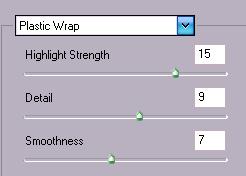
4.Filter > stylize > wind
5.repeat step 4 two more times
6.Filter > distort > wave
hit randomize till you find something you like

7.Duplicate the layer
8.Filter > distort > wave
hit randomize till you find something you like and set blending mode to lighten
9.Edit > transform > flip horizontal
10.Duplicate the layer
11.Edit > transform > flip horizontal
12.Ctrl + Shift + E to merge all layers
13.Ctrl + L to adjust the levels you can use the settings you wish by playing around i
used the following settings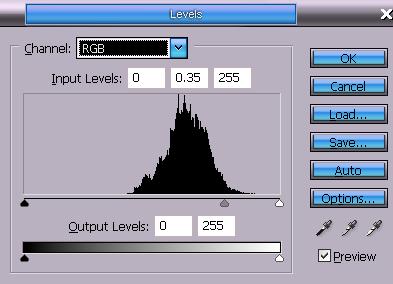
14.Ctrl + U to colorize
15.Duplicate the layer
16.Edit > transform > flip vertical and set blend mode to lighten
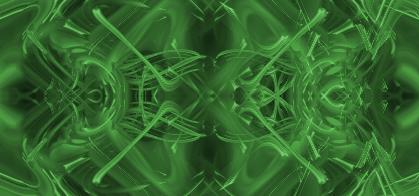
Final results:
Comments