
The Pop Art Comic Effect
June 19, 2006 | 0 comments
1. Open your images:
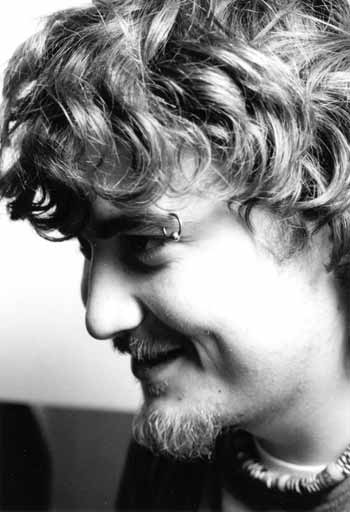
2. Go to Images>Adjustments>Level and adjust it in a way that it loks inked

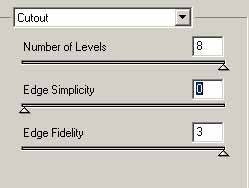
3. Now use the Cutout Filter, Filter>Artistic>Cutout:
4. Create a new layer and Edit>Fill with 50% grey.
5. Now go to Filter>Noise>Add Noise:

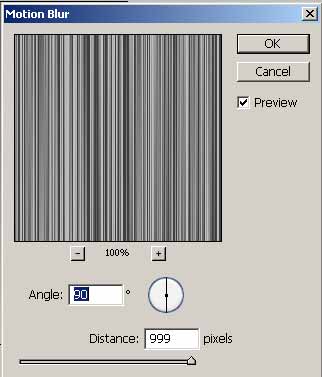
6. Filter>Blur>Motion Blur:

Results:
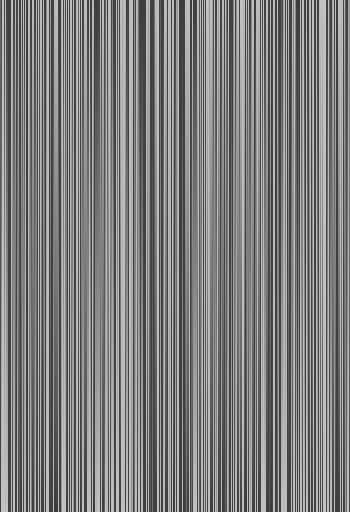
7. Edit>Transform>Skew:
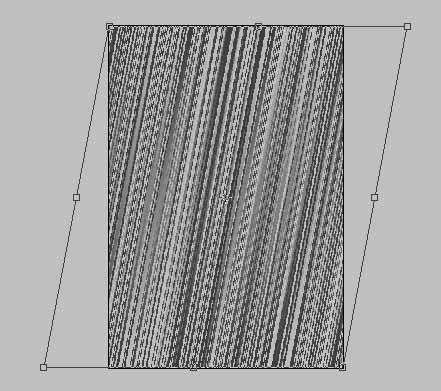
and set the Blending Mode to Linear Light with Opacity 20%
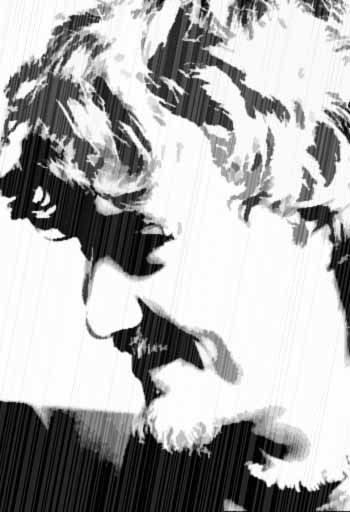
8. Repeat the step 4-7 with another layer but transform skew a little less.
9. Create a new layer and Fill with the background in Black, set the Layer Mask and use the Gradient to show the rain in the image

10. In the final add the dialog to your personage from comics:

Comments