
Page Curl Effect Tutorial
With this tutorial, I am going to show you how to achieve a page curl effect in just a few easy steps. This tutorial use the Warp filter so it’s for Photoshop CS2 only.
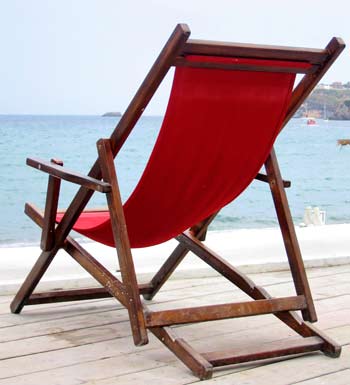
Let’s start by opening the photo you want to apply the effect to. I used this stock photo
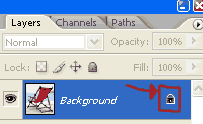
The first thing that we are going to is to unlock the background layer. To do this simply double click on the padlock icon besides your photo thumbnail in the layers palette.
Now select the Rectangular Marquee Tool

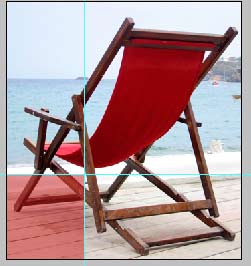
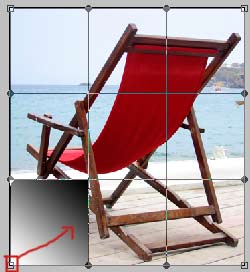
and select a rectangular area in the corner that you want to apply the effect. In the screenshot below I have highlighted my selection.
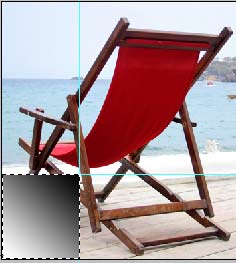
Now select the gradient tool and draw a black to white gradient in your selection. In this case I drew the gradient from the top right corner to the bottom left corner.

Now deselect (Select->Deselect) or (Ctr+D)
Next go to Edit->Transform->Warp.
Drag the bottom left point towards the center like in the screenshot below.
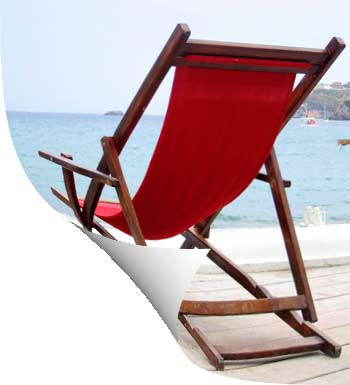
And here is our result.
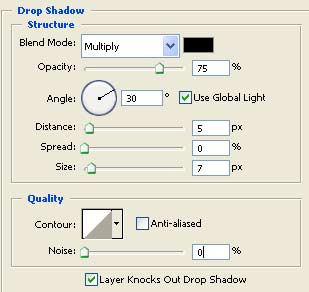
Finally apply a Drop Shadow style. These are the settings I used.
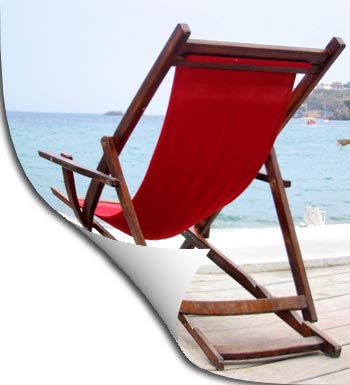
And here is my final result.
Comments